What does a clean MX record prove?
A passing domain check is often treated as permission to send. The domain resolves, the mail exchanger answers, the address gets a tick, and the list goes out. Then bounces arrive from addresses sitting on domains that looked perfectly healthy an hour earlier.
Email is still where people expect to hear from brands. Twilio's 2024 Global Messaging Engagement Report found that 68% of surveyed consumers across six countries ranked email among their top three preferred channels for brand communication. That preference is exactly why a sloppy list is expensive: the channel people want is the one you damage when you mail addresses that were never real.
An email address domain lookup confirms that the part of the address after the @ is configured to handle mail. It doesn't confirm that a person reads that inbox, that the mailbox was ever provisioned, or that the domain owner wants your campaign. The useful skill is knowing which lookup answer settles which question, and where each answer stops being evidence.
Table of Contents
- DNS Records That Answer Each Lookup Question
- How to Run a Domain Lookup Step by Step
- Identifying the Mail Provider From MX Records
- Catch-All Domains and Misleading Positives
- Turning Lookup Results Into a Send Decision
- Confirm the Address Before You Send
DNS Records That Answer Each Lookup Question
A verifier reads a domain's DNS in a fixed order, and every record answers a different question. Get the order right and the output stops looking like a single yes or no.
MX first. Mail exchanger records list the hostnames that accept mail for the domain, each with a preference number. Lower numbers are tried first, so a domain publishing three MX records is usually advertising one primary and two backups, not three providers. A missing MX record doesn't mean the domain is dead, because SMTP allows an implicit fallback to the domain's address record. That fallback is why "no MX" should send you to the A record, not straight to the invalid pile.
A and AAAA next. These resolve a hostname to an IPv4 or IPv6 address. Their job in a lookup is to confirm that the hosts named in MX resolve to something reachable. Plenty of domains publish tidy MX records pointing at hosts that stopped resolving years ago.
SPF after that. An SPF record is a TXT entry beginning with the version tag v=spf1, listing the servers authorized to send mail for the domain. It describes sender policy and nothing about recipients. A domain can have flawless SPF and zero working mailboxes.
DMARC at _dmarc. This TXT record tells receiving servers what to do when a message fails authentication: ignore it, quarantine it, or reject it. A 2025 analysis of 10 million popular domains found that only 18.2% had a valid DMARC record, while just 7.6% used an enforcing policy and 3.9% enforced reject on subdomains (Fortra's DMARC adoption analysis). A missing or non-enforcing policy is the normal case, not an edge case.
DKIM last, and only if you know the selector. The public signing key sits at selector._domainkey, and the selector name is chosen by the sending platform. Without that name you can't query the key at all, which is why a failed DKIM lookup often means "wrong selector" rather than "no signing".
| Record | Query | What it tells you | Missing record means |
|---|---|---|---|
| MX | Mail exchanger hostnames and priority numbers | Which servers accept mail for the domain, and in what order | Mail routing is unclear, so check for an A record fallback |
| A or AAAA | IP address of the domain or mail host | Whether mail servers resolve to a reachable address | The mail host can't be reached by name |
| TXT with v=spf1 | Sender authorization policy | Which servers are allowed to send mail for the domain | Sender trust is weaker, and recipient validity is unaffected |
| TXT at _dmarc | DMARC policy for failed authentication | Whether spoofed mail is ignored, quarantined or rejected | No enforced policy exists for the domain |
| TXT at selector._domainkey | DKIM public signing key | Whether messages from the domain are cryptographically signed | The key can't be found without the sender's selector name |
| NS | Authoritative name servers | Who controls the zone, and whether DNS answers are stable | Broken or unreachable name servers signal a faulty domain |
Read the table as a map of questions rather than a scorecard. Clean MX and SPF records mean routing and sender policy are configured. If you only have time for one query, make it the MX check, and understand how MX records behave before you trust a pass.
The line that matters: a domain lookup describes infrastructure. Whether a mailbox exists behind that infrastructure is a separate question that needs a separate test.
How to Run a Domain Lookup Step by Step
Run the checks in a fixed order and each step narrows what the next one can legitimately tell you. Skipping ahead is how teams end up treating a server's acceptance as proof of a person.
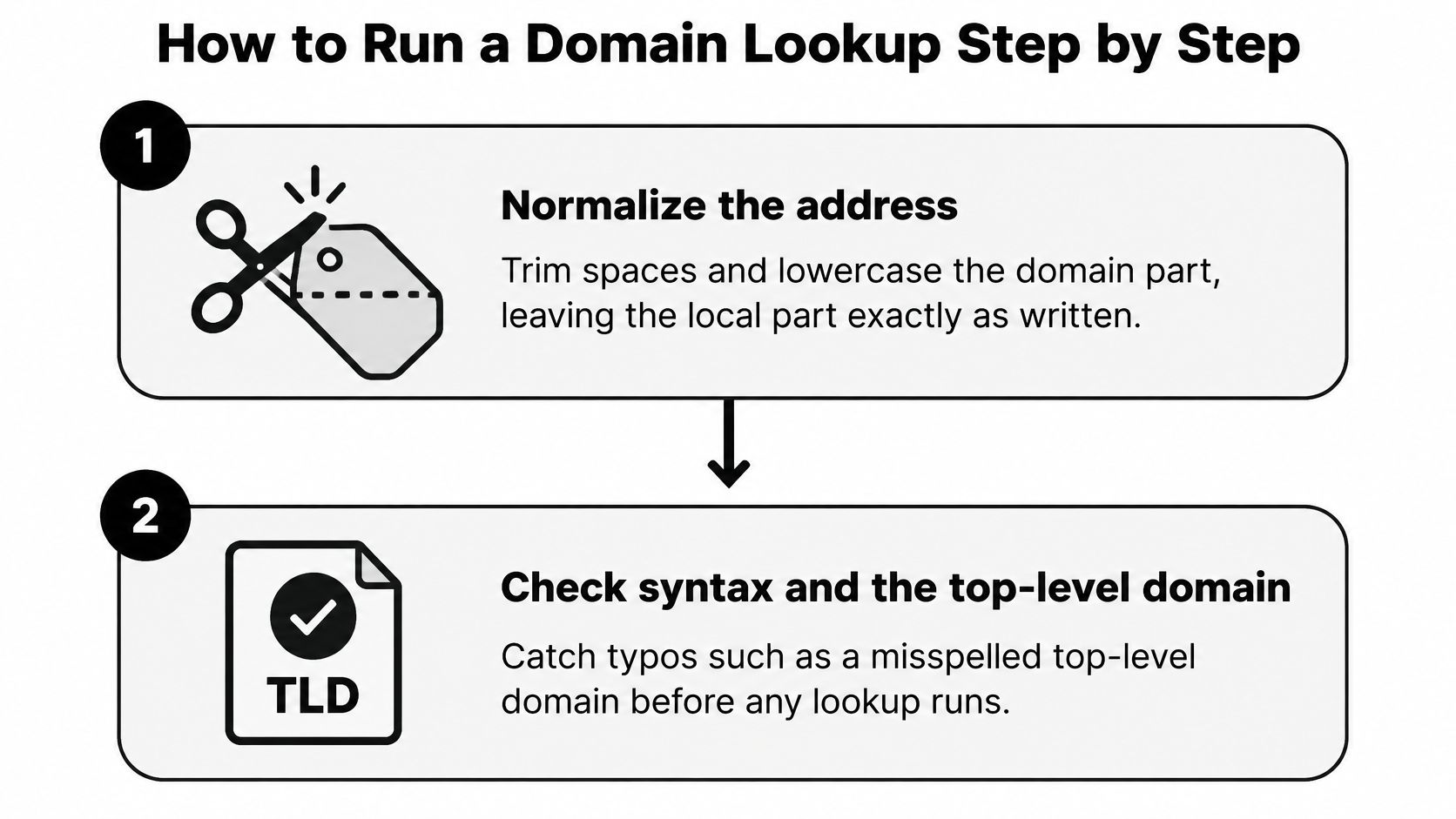
- Normalize without rewriting. Trim stray spaces and lowercase the domain part. Leave the local part exactly as written, because some servers treat everything before the @ as case-sensitive and you don't want to invent a different address while "cleaning" it.
- Check syntax and the top-level domain. A misspelled domain like gmial.com passes every DNS query afterwards, because the typo resolves to a real, unrelated site. Catching it here costs nothing.
- Query MX records and sort by preference. The RFC 5321 specification requires a DNS lookup for the destination domain and names MX as the normal delivery route, with multiple hosts allowed for redundancy or multihoming. Sort ascending and treat the lowest number as primary.
- Fall back to the A record only when MX is empty. SMTP permits an implicit fallback to the domain's address record, but if neither route resolves, the address is unroutable. Don't convert "no MX" into "invalid" without that second check.
- Resolve each MX host and confirm at least one responds. This catches the domain whose MX points at a decommissioned host. Coverage matters at scale: Verisign's Domain Name Industry Brief counted 378.5 million registered domain names worldwide by the end of the third quarter of 2025, spread across generic and country-code extensions, so a resolver that only handles familiar extensions will misread a large share of real addresses.
- Read the authentication records. SPF, DMARC and DKIM describe how the sending domain is set up. They tell you about sender trust and nothing about whether a recipient exists.
- Store a label and a reason, not a boolean. "Invalid, no MX and no A record" tells the next person what to do. "False" doesn't.
Routing has to succeed before an SMTP conversation is worth having. At that point a verifier opens a session, issues EHLO, and uses MAIL FROM and RCPT TO without ever transmitting message content. A positive recipient response means the server accepted that address during that session, which is a weaker claim than it sounds. Treat 4xx replies as temporary, apply bounded retries with backoff, and keep an explicit unknown state instead of turning timeouts and throttling into hard invalids. RFC 5321 also defines a 252 reply for addresses that look valid but can't be verified in real time, which is a formal acknowledgment that graded outcomes beat binary ones. Checking acceptance without sending anything is standard practice, and verifying an address without sending mail covers the same ground from the tooling side.
The domain check confirms that the part after the @ has a working mail server. It's the first gate, not the verdict. And because records change, an aged list needs the same lookup run again before the next campaign rather than trusting last quarter's export.
Identifying the Mail Provider From MX Records
MX hostnames are a fingerprint. Before anyone logs in and before a single message is sent, the hostnames name the platform running the mail.
The two patterns you'll meet most often belong to Google and Microsoft. A domain on Google Workspace publishes aspmx.l.google.com as its primary host with four alternates behind it. A domain on Microsoft 365 publishes a tenant-specific hostname ending in mail.protection.outlook.com. Both are stable enough that you can name the platform from a DNS answer alone, which is useful when a prospect's domain suddenly changes providers mid-negotiation.
Reading priority numbers correctly
Multiple MX records don't mean multiple providers. A domain with five Google hosts is one platform with four backups. Read the preference numbers first: the lowest is primary and the rest are only tried when it fails. When two different provider hostnames appear with different priorities, the lower one wins and the higher one is a failover, which usually means a migration is underway or a legacy route was never cleaned up.
| Provider | Typical MX hostname | What it usually means |
|---|---|---|
| Google Workspace | aspmx.l.google.com with ALT1 to ALT4.aspmx.l.google.com | Mail hosted on Google Workspace or Gmail for business |
| Zoho Mail | mx.zoho.com, mx2.zoho.com, mx3.zoho.com | Zoho Mail hosting across three priority tiers |
| Proton Mail | mail.protonmail.ch and mailsec.protonmail.ch | Proton Mail hosting with two MX records |
| Fastmail | in1-smtp.messagingengine.com and in2-smtp.messagingengine.com | Fastmail hosting |
| Filtering gateway | Hostname on a security or filtering service | Mail is screened before reaching the real mailbox platform |
When the MX points at a filter
Some domains publish an MX record for a security gateway rather than a mailbox platform. The gateway accepts the connection, scans it, and forwards to the actual mail system behind it. Say a sales team looks up a prospect and finds a filter hostname instead of a familiar provider. They've learned the company screens inbound mail before it reaches anyone, which changes how the first touch should be written. Confirm the platform behind the gateway with the domain's administrator rather than guessing from the hostname.
Provider identity buys you context: expected bounce behaviour, mailbox limits, how authentication is typically configured. It doesn't buy you proof that a specific address exists on that platform.
Catch-All Domains and Misleading Positives
Say a publisher uploads 4,000 addresses from one corporate domain and every single one comes back valid. That result is a warning sign, not a win.
The control test exposes it. Once the domain's MX path is established, open a session with the same EHLO and MAIL FROM settings used for the candidate address, then probe one or more randomized, syntactically valid addresses on that domain that are highly unlikely to exist. Never send a message. If the server accepts the control as readily as the candidate, the domain is catch-all or risky, and acceptance proves server policy rather than a provisioned mailbox (how catch-all detection works inside verification tools).
A catch-all domain is spotted exactly this way, by trying a made-up address to see whether every mailbox appears valid.
The limits are real and worth naming. Some servers block control probes outright. Others return an identical answer for every recipient, which makes the comparison meaningless. Greylisting changes outcomes between retries, and some providers accept mail during the session only to reject it later during delivery. Score each domain by comparing candidate and control responses, repeat only when the answers are temporary or inconsistent, and fingerprint provider behaviour so you recognise the same wall twice.
For catch-all domains, let engagement history decide who receives the send rather than treating the whole domain as clean. Handling catch-all addresses without wrecking deliverability is the workflow to follow once a domain fails the control.
Turning Lookup Results Into a Send Decision
The goal is one label per address, graded rather than binary, with a reason attached.
| Result | What the lookup shows | Send decision |
|---|---|---|
| Valid | Domain routes mail and the server accepts the specific address | Send, and watch bounce rates after the first campaign |
| Invalid | No mail route, a mistyped domain, or a permanent rejection of the recipient | Suppress before sending |
| Risky | Server accepts every address, or the address is a role account, disposable or has past bounces | Hold for a deliberate decision or quarantine |
| Unknown | Timeouts, greylisting or temporary errors prevent a verdict | Retry after a delay; do not treat as invalid |
A positive recipient response is the weakest evidence that looks the strongest. It proves one server accepted one address during one session. That's why the 252 code exists, and why a verifier that reports "valid" without a catch-all control is telling you less than you think.
Verification checks whether the receiving mail server would accept an address without sending any email to it, so the check itself leaves sender reputation untouched. The downside risk sits entirely in what you do with the result, so pair every verdict with a structured email deliverability check before the campaign goes out. Each address should come back with a one-line reason in plain English, so a reviewer can see why something was flagged instead of arguing with a colour. Shared inboxes such as info@ and support@ get flagged separately, because the decision there is commercial rather than technical: the mailbox works, and you still may not want it in a cold sequence.
When a real domain still lands in spam
A working address on a working domain can still fail. Google has required all senders delivering to Gmail to meet its sender requirements since February 1, 2024, with bulk senders defined as organizations sending more than 5,000 messages per day to Gmail addresses. Those senders must authenticate with SPF or DKIM, keep valid forward and reverse DNS records, use TLS, offer one-click unsubscribe, and hold spam complaint rates below 0.3%, with Google advising under 0.1% (Google's sender requirements).
That gap is the one most list hygiene misses: recipient validity and sender reputation are separate axes. An address can be real while your campaign still gets filtered because authentication is weak or complaints are climbing. The working rule stays simple. Suppress clear invalids, quarantine risky results, and retry unknowns after a delay rather than discarding them.
Confirm the Address Before You Send
Five habits keep lookup results useful instead of decorative.
- Run the lookup at the point of capture. Check addresses before they enter the list, not the week before a campaign when the damage is already in the database.
- Suppress invalid and disposable results immediately. Temporary inbox providers exist to disappear, and an address that can't route today won't route on send day.
- Review risky catch-all domains by hand. A human decision on a whole domain beats an automated guess on 400 addresses.
- Re-run aged lists before each campaign. Routing changes, mailboxes close, and platforms migrate. An export from three months ago is a historical document.
- Keep only the fields you need, and delete raw lists on a schedule. Lookups can expose personal data under regional privacy rules, so your deletion window should match what your consent terms and privacy notice promise. Storing enriched data in every connected sales tool is the opposite of minimisation.
Adding one line of code to a signup or checkout form catches fake or mistyped emails before they enter the list, which is cheaper than cleaning them out later. That's the same check the platform runs on a CSV upload, pasted rows or an API call, and it's how a domain lookup stops being a report nobody reads and becomes a gate that keeps bad data out.
Take one action today. Run the lookup on the next 100 addresses you're about to mail and compare the valid, risky and invalid counts against the bounce rate of your last send. If the invalid count is higher than your last campaign's bounce rate, the list is the problem, not the copy.
CleanMyList runs the domain and mailbox checks described here across your whole file, returning a label, a score and a plain-English reason for every address, with credits that don't expire and 50 free credits to start. Drop in a CSV, paste your rows or call the API, and you'll see which addresses can receive mail before a single message goes out. Visit CleanMyList to run your first list and send to real people.