The launch email has been approved, the links work, and the audience looks large enough to make the campaign worthwhile. You hit send, then watch the bounce report fill up while your email platform flags the account for review. Instead of checking conversions, you're sorting through addresses nobody checked before importing.
That's a hypothetical scenario, but it's a useful way to approach examples of bad email. The visible mistake might be a broken greeting or an aggressive subject line. The more expensive mistake may sit underneath it: an invalid mailbox, an unsuitable recipient, or a sending setup that wasn't ready.
A good pre-send review separates those problems rather than treating everything as a copywriting issue. Address verification can help identify delivery risks, but it can't establish permission, repair misleading content, or make an inaccessible design usable.
The examples below connect each failure to something you can inspect before sending: the signal, the potential reputation cost, and the cleaning action. Treat the scenarios as audit exercises, not reported customer outcomes. The objective isn't to preserve the largest possible audience. It's to decide which records belong in send, review, or suppress, and which messages need fixing before any recipient sees them.
Table of Contents
- 1. Blast to a Purchased or Scraped List Full of Invalid Addresses
- 2. Welcome and Transactional Emails Sent to Typo Domains
- 3. The Fake Security Alert Phishing Email
- 4. Broken Mail-Merge Personalization ("Hi {{FirstName}}")
- 5. Mass Emails to Role-Based Addresses (info@, sales@, admin@)
- 6. Blasting Catch-All Domains Without Verification
- 7. Spam-Trigger Email With an Image-Only Body, Shouting Subject, and Shortened Links
- 8. Bulk Email Without Authentication or One-Click Unsubscribe
- How Each Bad Email Type Damages Deliverability and How to Clean It
- Turn Each Bad Email Into a Pre-Send Rule
1. Blast to a Purchased or Scraped List Full of Invalid Addresses
A startup imports a scraped conference contact list and schedules a launch announcement. Nobody checks where permission came from, whether the addresses still work, or whether the audience expects to hear from the company.
The first warning is provenance, not a verifier's score. A technically deliverable address doesn't mean its owner requested your campaign. Review the risks of buying an email list before treating purchased records as subscribers.
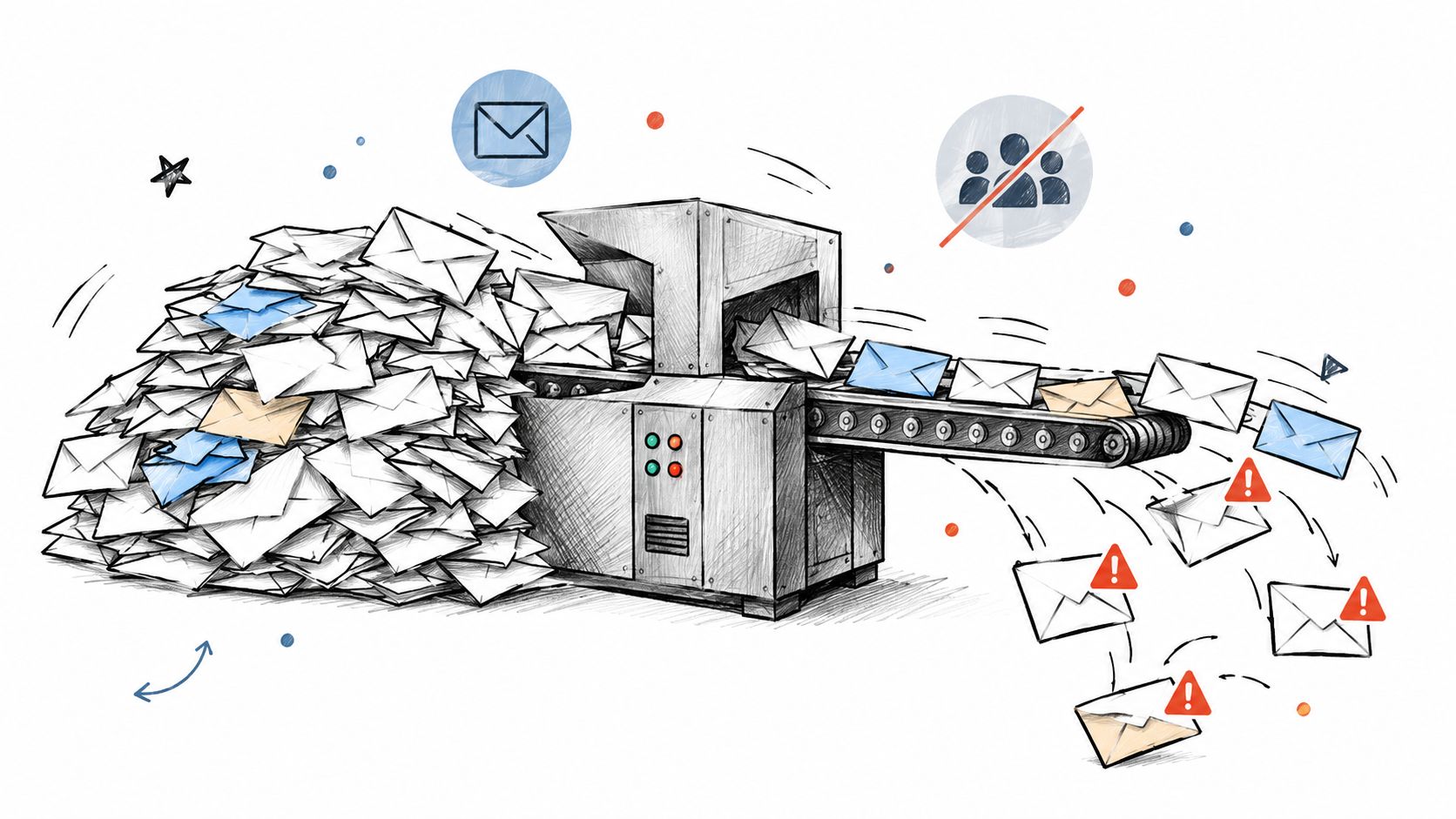
For perspective, an inherited-list cleanup case reported that a 200,000-contact database initially produced a 48% bounce rate, while only 18,400 addresses remained sendable after remediation. That's a case-specific result, not a prediction for your list, but it illustrates why stored contacts and usable contacts aren't interchangeable.
Clean the source before the segment
- Check provenance: Separate documented subscribers from purchased, scraped, or unexplained records.
- Verify delivery risks: Review syntax, domain configuration, mailbox results, and uncertainty before import.
- Suppress confirmed failures: Keep hard-bounced and previously opted-out addresses out of campaign exports.
The reputation cost is avoidable failed delivery combined with messages recipients may consider unwanted. Don't use a launch campaign to discover whether an unfamiliar database is usable.
Pre-send rule: Verification can assess delivery risk. It cannot create permission or recipient interest.
2. Welcome and Transactional Emails Sent to Typo Domains
A trial user enters jon@gmial.com, submits the form, and waits for a confirmation message. Your application records a successful signup, but the person can't complete onboarding.
A suspected typo is a review signal, not permission to rewrite an address. A domain that resembles a familiar provider might belong to someone else. Changing it without telling anyone could send account information to the wrong destination.
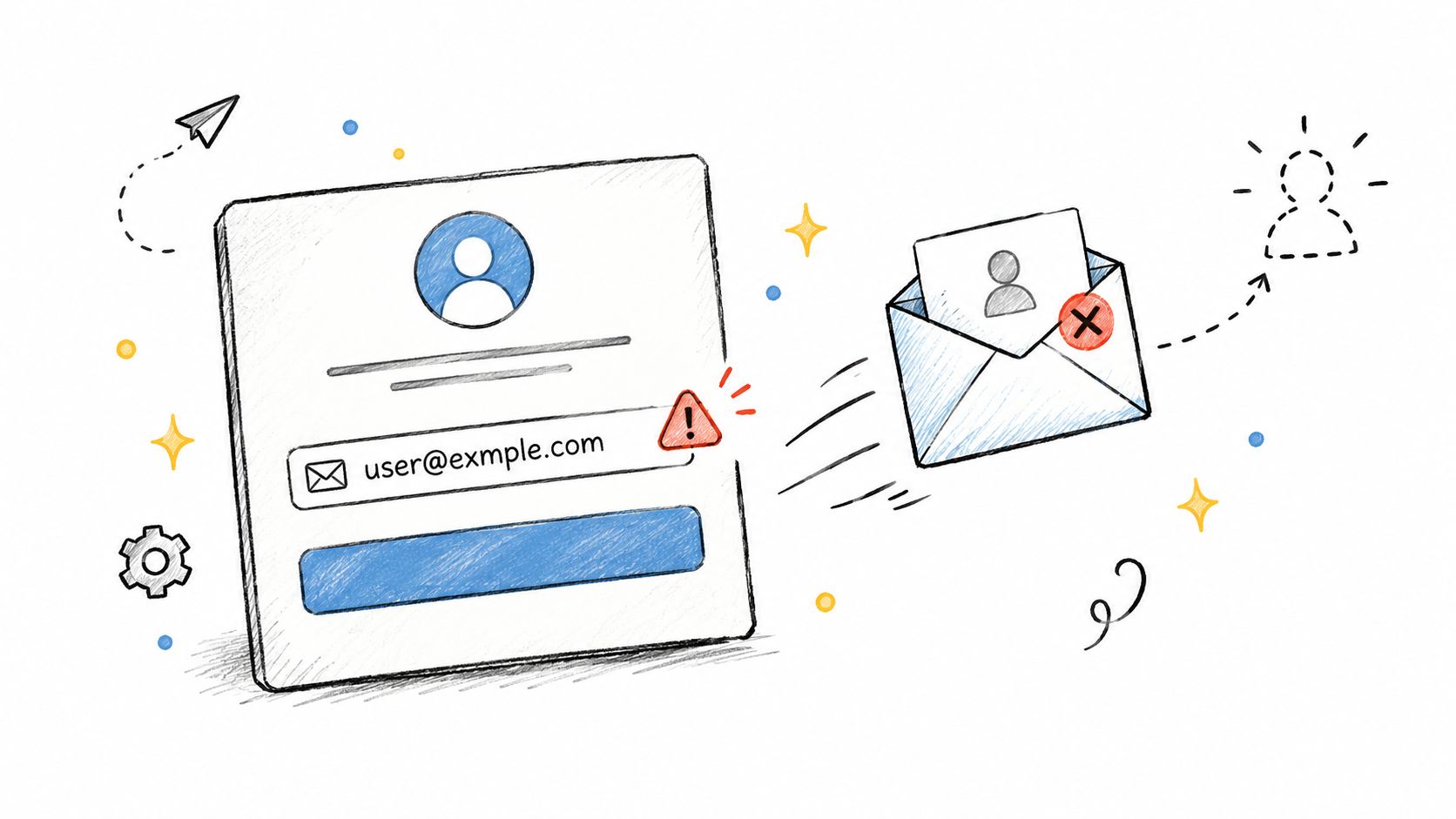
Catch the problem while the user is still present. Show a correction suggestion, let them confirm their intended address, and give them an obvious way to edit it later. Don't make support the only route to fixing a signup mistake.
Separate transactional failures from campaign failures
Track confirmation, receipt, and password-reset failures separately from promotional sends. Otherwise, a marketing dashboard can distract you from a broken account-access flow.
- At capture: Flag malformed addresses and likely domain typos before submission.
- After submission: Display the entered address alongside a correction option.
- After failure: Record the delivery result and stop automatic retries when the failure is permanent.
The potential cost extends beyond sender reputation. The customer may conclude that your product doesn't work, while your team sees an account that appears ready to use.
Pre-send rule: Ask the user to confirm suspected corrections. Never guess the destination of a receipt, confirmation, or account-recovery message.
3. The Fake Security Alert Phishing Email
Consider a message claiming that someone accessed your account and demanding an immediate password change through a shortened link. The familiar display name looks reassuring, but the destination doesn't clearly match the service.
This isn't merely poor marketing. The FBI's IC3 report recorded $16.6 billion in reported internet-crime losses in 2024, with phishing and spoofing among the most frequently reported crime categories. Those are complaint-based figures across internet crime, not losses attributable solely to email.
Audit your own messages for the same trust failures
A legitimate security notification shouldn't require recipients to trust an obscured destination. Tell users how to open the official application or go to their account independently, especially when the message concerns sensitive access.
For the recipient list, quarantine suspicious imports or unexplained changes to account addresses. A valid mailbox result doesn't establish who controls an account, and list cleaning isn't a substitute for identity verification.
- Inspect identity: Compare the actual sending domain with the claimed organization.
- Review destinations: Remove shortened or misleading security-action links.
- Review controls: Include authentication and escalation procedures in your email security practices.
The reputation cost is lost trust if your legitimate notifications resemble credential-harvesting messages. Authentication is important, but don't treat it as proof that every authenticated message is safe.
Send recipients toward a trusted account-access path, not toward a decision they must make under pressure.
Pre-send rule: Hold security messages until sender identity, destination, and recipient-account mapping have been checked.
4. Broken Mail-Merge Personalization ("Hi {{First_Name}}")
Hi {{First_Name}} is an obvious failure. A populated but incorrect field is harder to catch: a company name in the greeting, an old employer in the subject, or another contact's details in the body.
In a hypothetical CRM migration, an import maps the organization field to the first-name field. The email renders without an empty value, so a basic completeness check passes. The recipient still receives a visibly careless message.
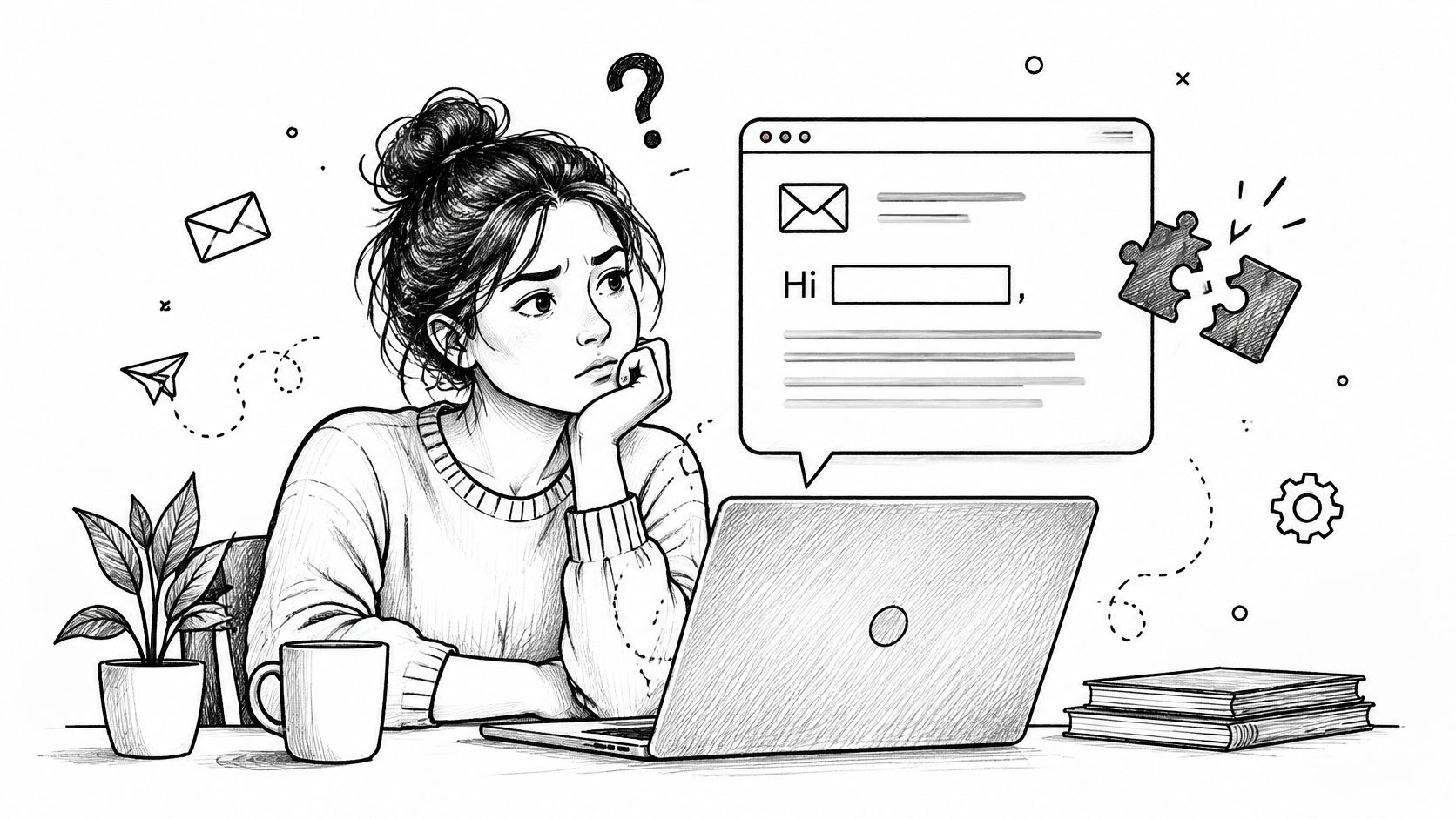
Audit rendered messages, not just template previews. Use records with missing names, unusual characters, company-only details, and recently imported fields. Check the subject, preview text, body, and any personalized destination.
Fix the field without discarding the subscriber
- Set a neutral fallback: Use “Hi there” when a first name isn't available.
- Inspect field meaning: Confirm that a populated value belongs in that field.
- Flag required gaps: Hold records only when missing information makes the message inaccurate or unusable.
An absent first name isn't evidence that the email address is bad. Suppressing an otherwise suitable subscriber because optional personalization is missing sacrifices audience quality for cosmetic consistency.
The potential reputation cost comes from appearing careless or falsely familiar. If personalization adds no useful context, removing it is often better than collecting more data.
Pre-send rule: Send only after representative records render correctly, with a safe fallback wherever optional data is missing.
5. Mass Emails to Role-Based Addresses (info@, sales@, admin@)
A shared inbox can be perfectly legitimate and still be the wrong audience for a personal sales pitch. Sending “I loved your recent work” to info@ exposes a mismatch between the message and the record.
Role-based addresses deserve a separate decision, not automatic rejection. A purchasing team may intentionally subscribe through a shared mailbox. A scraped support address, by contrast, provides no evidence that the team wants promotional outreach.
The signal is the address pattern plus its source and history. During an audit, ask whether the mailbox subscribed, requested information, or was merely copied from a company contact page.
- Keep expected communication: Preserve shared inboxes with a documented reason to receive the message.
- Separate personal outreach: Exclude generic role accounts from sequences that assume a named individual.
- Review list sources: Compare complaints and opt-outs by acquisition source rather than blaming every shared mailbox.
Rewrite for the actual recipient
For an appropriate shared inbox, address the team and explain the relevant purpose directly. Don't invent a personal relationship or substitute a guessed employee name.
The potential reputation cost is recipient frustration when a service mailbox receives irrelevant campaigns. The cleaning action is therefore segmentation by suitability, not merely checking whether the server accepts mail.
Pre-send rule: Keep role accounts only when the intended use, recipient expectation, and message agree. A deliverable shared address isn't automatically a qualified prospect.
6. Blasting Catch-All Domains Without Verification
A verification result says catch-all, and someone changes the status to valid to keep the campaign audience large. That removes an important distinction from the export: the server's willingness to accept an address isn't confirmation of the intended mailbox.
A hypothetical outbound list illustrates the problem. Several contacts share a catch-all company domain, but nobody can establish whether the individual addresses belong to current employees. Sending the whole segment treats uncertainty as evidence.
Use a separate review category for catch-all email addresses. Don't merge them with confirmed invalid records, but don't give them the same treatment as confidently verified subscribers either.
Decide using evidence beyond acceptance
Review signup history, recent replies, account activity, known employment changes, and previous delivery results. Don't use an open event alone as proof of mailbox ownership or meaningful interest.
A deliverability recovery postmortem involving a 180,000-address list reported bounce rates falling from 12% to below 1% after cleanup. The practical lesson is to separate risk categories and measure results afterward, not assume every uncertain address should receive the same verdict.
Audit judgment: Unknown is a legitimate status. Don't rename it “safe” just to meet a campaign-volume target.
The potential cost is mailing destinations you haven't established are appropriate or usable. Indiscriminate suppression also has a cost: you may remove legitimate subscribers.
Pre-send rule: Quarantine uncertain catch-all records, document the evidence for releasing them, and monitor the released segment separately.
7. Spam-Trigger Email With an Image-Only Body, Shouting Subject, and Shortened Links
A subscriber opens “BUY NOW!!!” and sees an image with the entire offer, followed by a shortened link. The subject shouts, the message is hard to read without the image, and the destination is unclear. Each signal can make an expected promotion look untrustworthy.
Don't judge the campaign by a supposed list of forbidden words. Review the full message: whether recipients expect it, whether the brand is recognizable, where links lead, and how the email renders. A clean address list cannot fix confusing content.
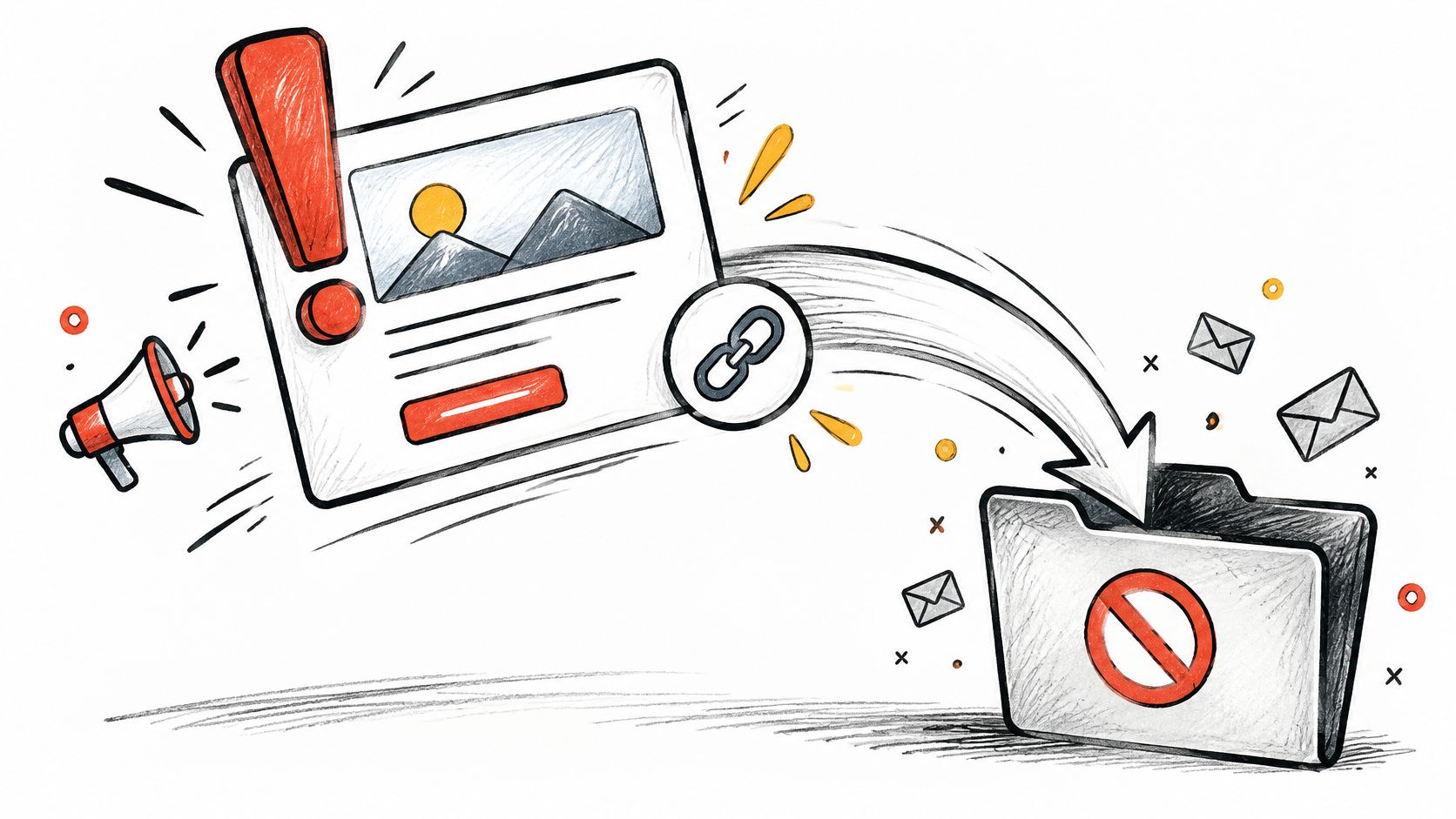
Accessibility is part of that check. Missing alt text, low contrast, and image-only copy can keep recipients from understanding the offer or acting on it. Keep the design, but make its meaning available as text.
Repair the message before judging the audience
- Use live text: State the offer, conditions, and next step outside the image.
- Clarify destinations: Replace shortened links with recognizable branded URLs and descriptive labels.
- Test usability: Check alt text, heading order, contrast, keyboard access, and the email with images blocked.
For a promotion, turn an image-only discount announcement into readable copy with a clearly labeled action. Retain the visual branding, but don't make the image the sole source of the offer.
The reputation risk is a message that looks suspicious or cannot be used. If recipients don't engage, first check whether the design blocked their understanding before treating inactivity as a list-quality signal.
Pre-send rule: Send only after the offer is readable without images and every link shows a clear, trustworthy destination. Use engagement results for list-cleaning decisions only after the message passes that check.
8. Bulk Email Without Authentication or One-Click Unsubscribe
The campaign copy is clear and the audience has been reviewed, but the sending setup remains unfinished. Authentication hasn't been checked, and the unsubscribe process looks correct in the template but hasn't been tested.
That's a sending-system problem, not evidence of a bad recipient list. Don't respond by deleting subscribers until you've inspected the rejection reason, sending configuration, and actual delivered message.
The distinction matters because Validity's deliverability benchmark indicates that approximately one in six legitimate marketing emails fails to reach the inbox. That benchmark doesn't diagnose your campaign, but it demonstrates why acceptance and inbox placement need separate attention.
Test the system recipients actually use
Send a production-path test, then inspect its headers and unsubscribe behavior. Confirm SPF, DKIM, and DMARC configuration with whoever manages your sending domain rather than assuming the email platform handles every dependency.
- Check authentication: Review the actual results on delivered messages.
- Check unsubscribe: Test the visible opt-out route and applicable one-click mechanism.
- Check suppression: Confirm that opted-out contacts cannot re-enter through a fresh import.
In a hypothetical newsletter migration, the old unsubscribe list stays behind while the audience moves to a new platform. Address verification won't detect that missing preference history.
The potential reputation cost includes unwanted repeat messages and delivery problems that affect otherwise suitable subscribers. A new platform isn't permission to restart communication with everyone in the database.
Pre-send rule: Hold the campaign until authentication, unsubscribe handling, and suppression synchronization work through the actual sending workflow.
How Each Bad Email Type Damages Deliverability and How to Clean It
| Item | Main Problem | Reputation Risk | Cleaning Step |
|---|---|---|---|
| Blast to a Purchased or Scraped List Full of Invalid Addresses | The source may include invalid addresses or spam traps. | Hard bounces and trap hits can harm sender reputation or lead to blocklisting. | Check syntax, DNS, and SMTP results. Remove invalid addresses, and re-verify lists that have gone stale. |
| Welcome and Transactional Emails Sent to Typo Domains | A mistyped domain keeps a welcome or transactional message from reaching its intended recipient. | Bounces on important messages can harm reputation and cost conversions. | Validate addresses at signup and prompt users to correct likely domain typos before sending. |
| The Fake Security Alert Phishing Email | Urgent language and a fake login page impersonate a security alert to steal credentials. | Phishing erodes trust in legitimate security emails and puts account data at risk. | Teach recipients to check sender domains and reach services through official sites. |
| Broken Mail-Merge Personalization ("Hi {{First_Name}}") | Missing or incorrect data leaves a raw placeholder or blank greeting in the message. | A visible merge failure makes the email look careless and can reduce trust and responses. | Test representative merges, set fallback values, and hold records with missing fields until corrected. |
| Mass Emails to Role-Based Addresses (info@, sales@, admin@) | Scraped or unexplained role addresses carry risk; shared inboxes can still be legitimate. | Low engagement or complaints from unsuitable contacts can hurt reputation. | Review the source and purpose of each role address. Exclude only addresses that lack a clear basis for contact or are unsuitable for the campaign. |
| Blasting Catch-All Domains Without Verification | Catch-all servers accept mail for invalid addresses, so mailbox validity remains uncertain. | Hidden bounces and weak engagement can harm sender reputation. | Segment catch-all addresses, monitor bounce and engagement history, and hold risky records from the send. |
| Spam-Trigger Email: Image-Only Body, Shouting Subject, and Shortened Links | Image-only content, a shouting subject, and shortened links can resemble spam. | Filters may divert the message, while image blocking and poor accessibility make it harder to engage. | Balance text and images, use branded links, and include a plain-text version. |
| Bulk Email Without Authentication or One-Click Unsubscribe | Missing authentication or an easy unsubscribe route can violate provider requirements. | Providers may reject or filter messages, and reputation can suffer. | Configure SPF, DKIM, and DMARC; add one-click unsubscribe and monitor complaints. |
Turn Each Bad Email Into a Pre-Send Rule
The most useful lesson from these examples of bad email is that different failures require different actions. An invalid mailbox needs suppression. A suspected typo needs confirmation. Missing personalization needs a fallback, while a broken unsubscribe process needs an operational fix.
Don't compress those decisions into a single spreadsheet column labeled “bad.” Preserve the reason behind each verdict so another teammate can understand why a contact was held, corrected, or excluded.
Use a repeatable pre-send review
- Verify before import: Review address quality and keep source and permission information attached to each record.
- Flag distinct risks: Separate typo domains, role accounts, catch-all results, and confirmed failures.
- Validate personalization: Render representative records and check fallback behavior.
- Review the message: Inspect destinations, accessibility, image-blocked rendering, and the plain-text version.
- Confirm sending controls: Test authentication, unsubscribe behavior, and suppression handling.
Keep the original file unchanged and export a campaign-specific audience. That lets you correct a decision without losing the source record or accidentally restoring an opted-out contact.
After sending, compare what happened with what you expected. Review failures by source and risk category, and distinguish delivery acceptance from inbox placement and meaningful recipient activity. Don't interpret a quiet campaign as proof that every address was invalid.
Cleaning should be decisive where evidence is clear and cautious where it isn't. Suppress confirmed permanent failures, preserve opt-outs, and quarantine unresolved records. Avoid deleting legitimate subscribers just because they lack a first name or use a shared mailbox.
For the next campaign, start with the list rather than the subject line. Assign someone to resolve review records, someone to approve the rendered message, and someone to confirm the sending configuration. Release the audience only when those checks agree.
The practical next step is straightforward: audit the file you're about to upload, record each exclusion reason, and keep uncertain contacts out of the main send until you've reviewed them. A smaller, explainable audience is more useful than a larger file nobody can defend.
CleanMyList offers bulk email verification with plain-English reasons to help you separate sendable addresses from records needing review or suppression. Visit CleanMyList to audit your next list with 50 free credits, no card required, before importing it into your email platform.