
Your team has a spreadsheet of 40,000 email addresses, a bounce rate climbing toward your provider's warning threshold, and a manager asking for a tool that finds emails. The immediate problem isn't finding more contacts. It's deciding which existing addresses you can responsibly send to.
That distinction matters because email address lookup tool describes several different products. A finder takes a name and company and returns a possible work address. A verifier checks an address you already have. A prospecting suite helps you identify people, enrich records, and manage outreach.
Buy the wrong category and you can spend your budget adding contacts while leaving the original list untouched. Worse, your team may interpret a newly discovered address as permission to send, or a technically valid mailbox as a guarantee of inbox placement.
Choose by the job, not the longest feature list.
- Verify an existing list: Start with the dedicated verification workflow below.
- Find missing addresses: Compare Hunter, Voila Norbert, GetProspect, Skrapp, Findymail, and Anymail Finder.
- Build a prospecting workflow: Consider Snov.io, Apollo, or Lusha, depending on whether you need campaigns, database search, or broader contact details.
The email prospecting tools listed by Grou can help you explore discovery products. But if your immediate concern is bounces, start by checking the records you already own.
Table of Contents
- 1. CleanMyList
- 2. Hunter
- 3. Snov.io
- 4. Apollo
- 5. Voila Norbert
- 6. Lusha
- 7. GetProspect
- 8. Skrapp
- 9. Findymail
- 10. Anymail Finder
- How the 10 Email Address Lookup Tools Differ by Primary Job, Free Starting Point, and Best Fit
- Matching the Tool to the Job Before You Spend a Credit
1. CleanMyList
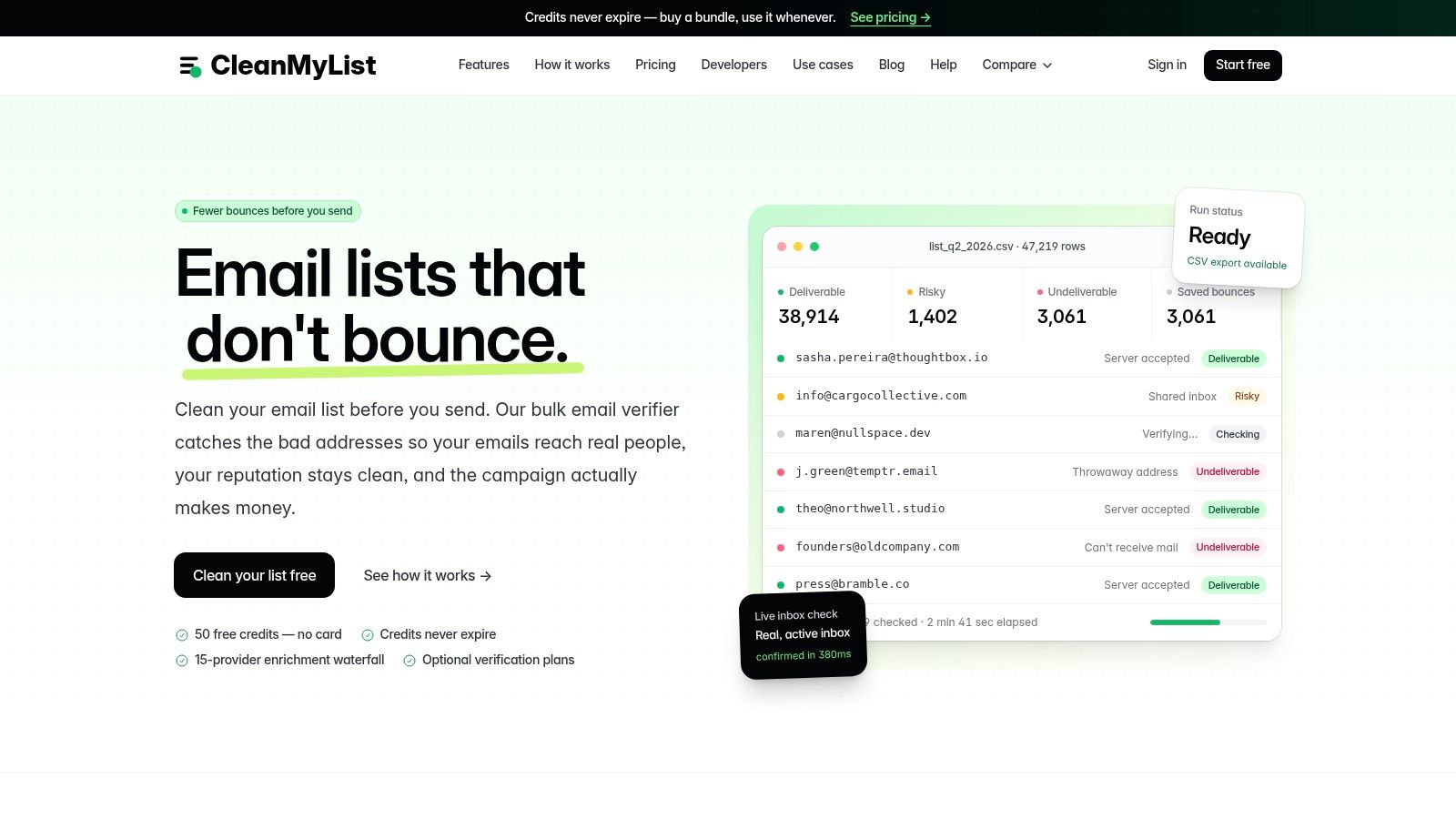
Best fit: verifying existing marketing, newsletter, e-commerce, and outbound lists. CleanMyList works on addresses you already have, not names you need to find. When the problem is a list that bounces, this is the job to run first.
Add addresses by uploading a CSV, pasting rows, linking a file, or importing from a connected tool. Every result carries one of four labels, safe to send, risky, do not send, or unknown, plus a one-line reason in plain English. The CleanMyList dashboard marks good addresses green and bad ones red, so a campaign manager can decide what ships without decoding a score.
Checks cover syntax, domain existence, mailbox acceptance, catch-all behavior, disposable providers, shared inboxes, and reputation signals. No verification email is sent to the recipient, so sender reputation stays out of it.
Where the workflow earns its place
- Before a campaign: separate clear failures from addresses that need a human look.
- At signup: a one-line widget or a single API call catches typos and fake addresses before they reach your list.
- Inside your existing stack: connect Mailchimp, Klaviyo, Brevo, beehiiv, or ActiveCampaign and push cleaned contacts back without a CSV round trip.
New accounts receive 50 free credits with no card required. Purchased credits don't expire, and bundles don't require a subscription, which suits teams whose cleaning needs spike between launches. Failed addresses get tagged so they stay out of the next send.
The limitation is uncertainty, not missing labels. A catch-all server may accept a check on a made-up address without confirming that a particular person exists. Keep unknown results separate rather than treating them as permission to send. Uploaded lists are deleted after 30 days, so re-run aging files instead of parking them there. Premium enrichment can find missing work emails and company details, but verification is the right starting point when the problem is a list you already own.
2. Hunter
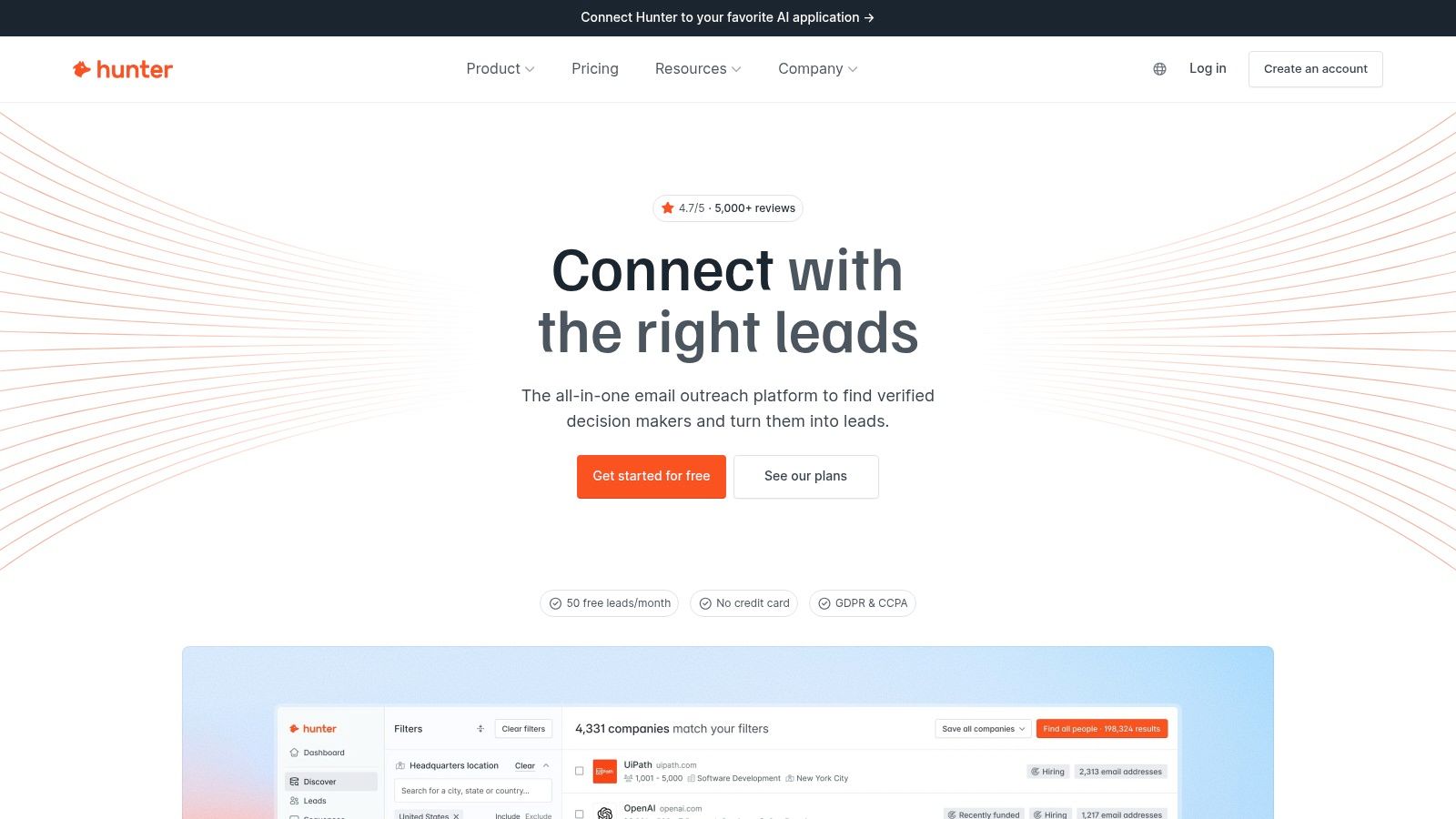
A name and a company domain are a good starting point for Hunter. Its Email Finder targets a specific person, while Domain Search helps you investigate addresses associated with a business.
Best fit: focused professional email discovery. Choose it when you already know whom you want to contact and don't need a sales platform to decide that for you.
Bulk finding, CSV exports, a browser extension, and an API support different working styles. A researcher can investigate a company manually, while an operations team can process a prepared spreadsheet.
Finding and verifying are different operations
Hunter includes both functions, but that doesn't make them interchangeable. Finding supplies a missing address; verification evaluates an address already in hand.
- What works: Moving from a known person and domain to a professional address without adopting a broader prospecting suite.
- What needs attention: Finding and verification share credits on main plans, so account for both operations when estimating usage.
- What it won't replace: A consumer-email search service or a dedicated newsletter signup-quality workflow.
Its free plan offers a way to test the process before committing. The guide to free email lookup options is useful if your search volume is occasional rather than recurring.
Test with people whose current employer you can confirm. Otherwise, a successful lookup can still return an address associated with the wrong stage of someone's career.
3. Snov.io
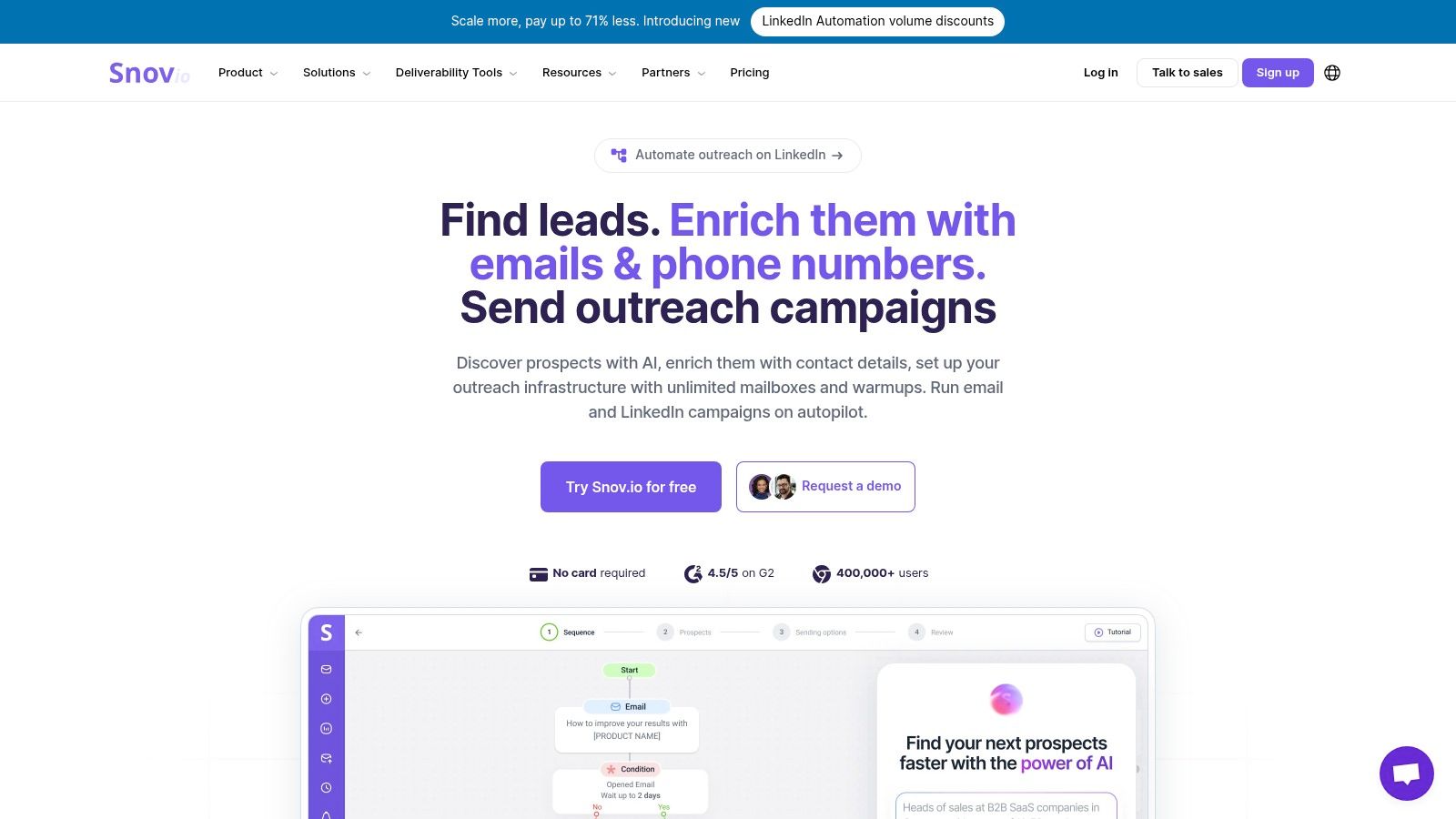
Snov.io makes more sense when finding an address is the beginning of a workflow, not the entire task. It combines prospect discovery, verification, browser-based research, and campaign tools.
Say your sales team researches potential partners, saves contact records, and follows up after an initial message. Keeping those activities together can reduce manual exports and duplicate prospect records.
Best fit: teams that want discovery and outreach in the same service. It's less compelling when your only requirement is checking an existing newsletter CSV.
Don't buy campaign automation to solve a spreadsheet-cleaning problem. Buy it when someone will actually own the campaigns, replies, and follow-up rules.
Names, companies, domains, and browser research offer several routes into the prospecting workflow. That flexibility helps when your starting information varies between accounts.
The trade-off is a broader set of limits to understand. Check how finding, verification, and campaigns consume allowances rather than comparing plans on a single credit headline.
Freshness still needs an owner. A contact discovered during account research may sit unused while a campaign waits for approval. Decide when saved prospects need another check, and keep suppression records connected to the sending workflow.
Snov.io offers a free allowance for evaluation. Use it to test the full path from discovery to export or outreach, not just whether the first search returns an address.
4. Apollo
Apollo is a pipeline-building choice, not just an email checker. Apollo combines a B2B contact database with company and contact filters, enrichment, sequences, and CRM-related functions.
It suits a sales team that needs to answer both Who should we contact? and How can we reach them? A stand-alone finder generally starts after you've answered the first question.
For example, a team targeting operations leaders at relevant companies can build a shortlist, inspect records, reveal details, and manage follow-up without assembling that process entirely in spreadsheets.
Pay for the workflow you'll actually use
- Strong fit: Repeated account research, role-based targeting, and structured outbound.
- Weak fit: Checking whether existing customer or subscriber addresses still accept mail.
- Buying friction: Seat costs, reveal credits, export permissions, and plan limits need to match how the whole team works.
The free tier can help you evaluate the interface and record relevance. Don't assess it only by how many contacts a search returns. Check whether the filters produce people your team would contact and whether exported records preserve the fields your CRM needs.
The guide to finding someone's email address is a useful alternative when you need a specific person rather than an ongoing database-search workflow.
Apollo's breadth is the attraction and the limitation. If you already have a CRM and sequencer that your team uses consistently, identify the specific missing capability before adding another platform.
5. Voila Norbert
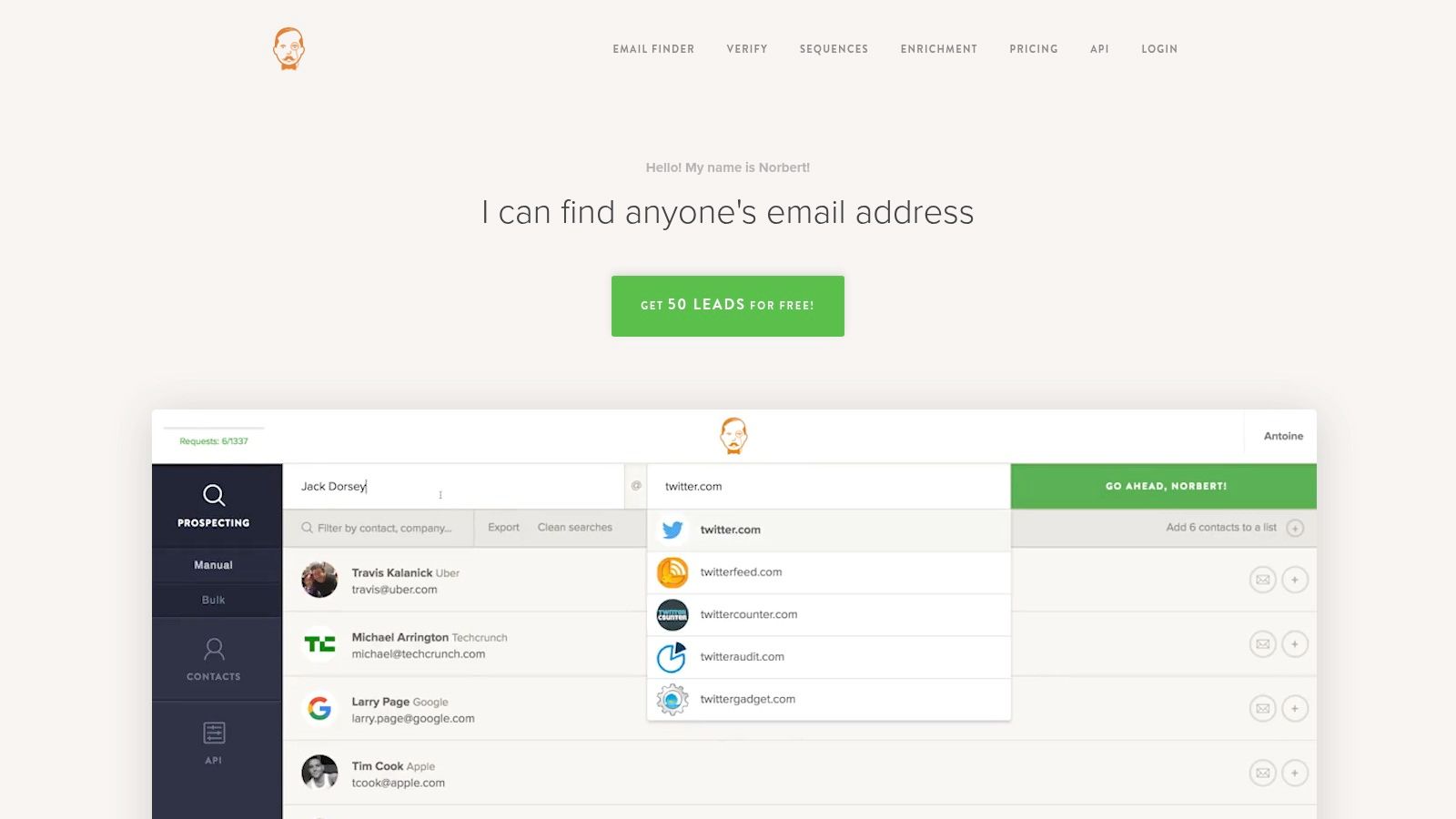
A spreadsheet of names and company domains is a natural input for Voila Norbert. It supports individual and bulk finding, with output to CSV or Google Sheets.
That makes it relevant for a carefully researched list of speakers, potential partners, or business prospects whose email fields are blank. You bring the target identities; the finder supplies possible contact details.
Verification and enrichment are available as separate services. That separation helps you distinguish the cost of discovering an address from the cost of checking an existing one.
Keep discovery and cleanup separate
The vendor says unsuccessful lookups aren't charged. That's useful, but the practical buying question is still how the prospecting subscription fits your workload.
- For recurring research: Bulk lookup and spreadsheet output can support a repeatable process.
- For uneven demand: A subscription may be awkward if you only prepare lists around occasional events.
- For CRM delivery: Check whether the connection is direct or depends on an integration service such as Zapier.
Voila Norbert's separate verification option doesn't automatically make its finding workflow the right choice for list hygiene. Test whether the returned classifications give your marketing team enough detail to decide which addresses to suppress or review.
For discovery, inspect your input first. Missing surnames, ambiguous company names, and outdated domains create identity problems that a mailbox check alone can't solve.
6. Lusha
Choose Lusha when the contact record matters beyond its email field. Its B2B platform includes business email and phone reveals, company information, browser-based prospecting, and integrations.
Best fit: sales or recruiting teams using several contact channels. If your team researches a person, checks company context, and may call rather than email, the broader record can justify a contact-data platform.
For a newsletter manager holding an unverified subscriber list, those additional fields don't address the immediate task. Revealing more contact details isn't the same as checking the addresses already collected.
Buying rule: If nobody will use the phone data or company context, don't make those features the reason you choose an email lookup product.
Lusha's browser extension supports research around company and professional profiles. Its integrations can help move selected contacts into the systems where the team works.
Credit consumption needs close attention. Email and phone reveals don't necessarily use the same allowance, and billing choices, seats, and credit selection affect the plan you're evaluating.
Use the free tier to test record relevance and handoff, not just whether a reveal succeeds. Confirm that the person still holds the relevant role, that the company matches your target, and that the CRM receives usable fields without creating duplicates.
Lusha is a broader prospecting-data option. It's unnecessary overhead if your only question is whether an uploaded address is likely reachable.
7. GetProspect
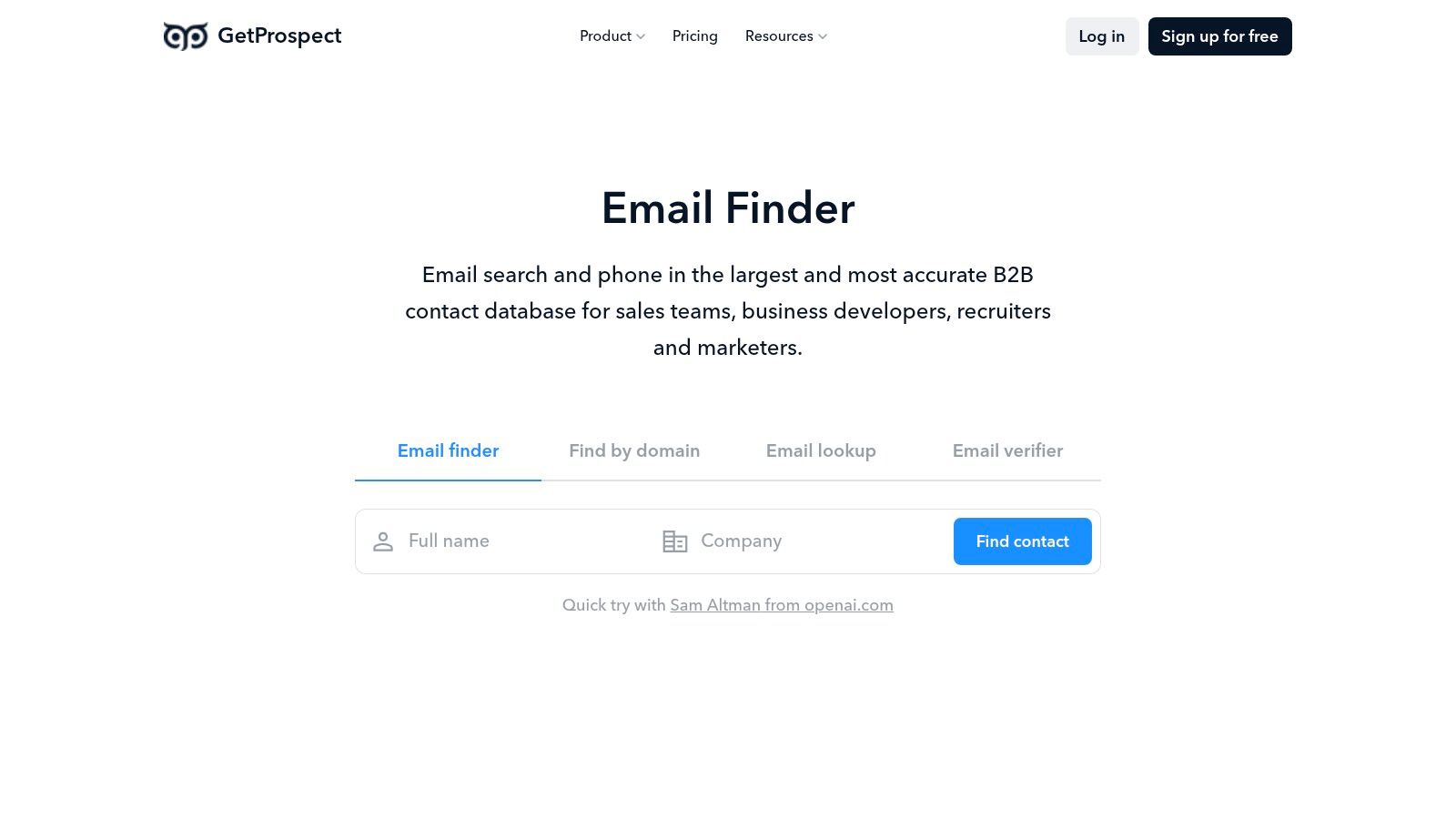
GetProspect fits teams that prepare B2B prospect lists in bulk and want contact discovery connected to spreadsheet or CRM work.
Its tools include individual and bulk finding, CSV enrichment, a LinkedIn extension, Google Sheets integration, an API, and verification. The vendor's charging model emphasizes valid emails found rather than every attempted search.
That model is useful when your input quality varies. A list assembled from company directories may contain well-identified people alongside records with incomplete employment details.
Evaluate the returned list, not just the credit deduction
- Identity match: Does the result belong to the intended person at the intended company?
- Operational handoff: Can your team move the result into its CRM without rebuilding field mappings?
- Timing: Will the address be used promptly, or stored until another campaign is ready?
GetProspect says finder results are verified before credit deduction. Treat that as a check at discovery, not an indefinite guarantee that the person remains reachable.
Credit rollover can help teams with uneven monthly work, but it has limits. Understand those terms before choosing a subscription based on a busy month that doesn't reflect normal usage.
Its strengths are B2B discovery and enrichment. A newsletter signup form needs a different interaction: immediate feedback on the address a subscriber entered, with sensible treatment of aliases and uncertain results.
8. Skrapp
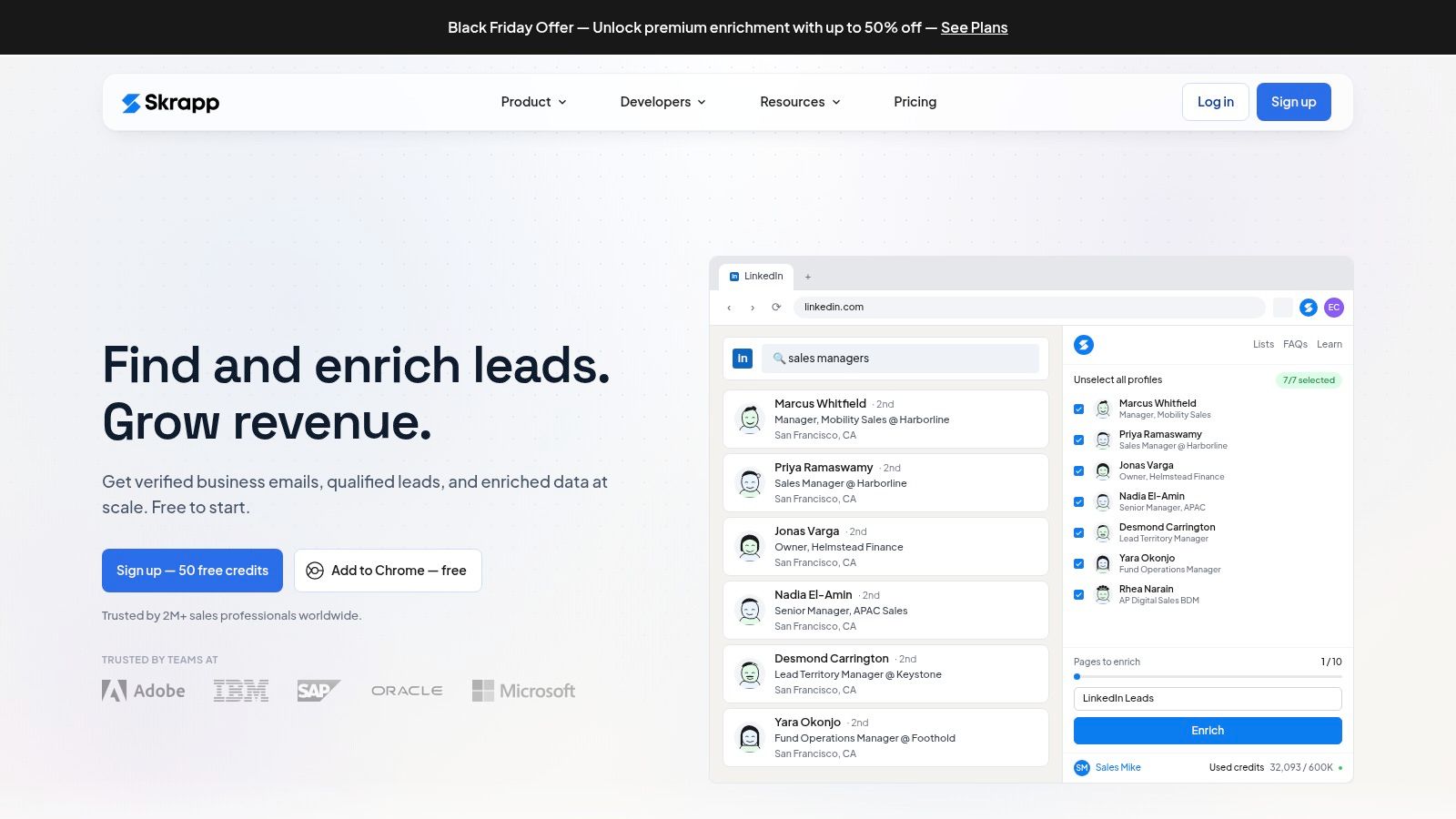
For a researcher who works inside LinkedIn and company websites, Skrapp offers a browser-led route to professional email discovery. It also supports bulk enrichment, verification, and exports.
Best fit: deliberate prospect research with structured list building. You can investigate a person's role and company before adding the record to an outreach list.
That's a different job from searching a large database by filters. It's also different from uploading customer addresses and asking which ones should stay out of the next campaign.
Where the browser workflow helps
A smaller team may prefer researching selected accounts rather than collecting a broad contact list first. Browser tools keep discovery close to the profile or company page the researcher is already reviewing.
The limitation is that manual research still takes work. An extension doesn't decide whether the prospect is relevant, whether another teammate has already contacted them, or whether a suppression rule applies.
- Useful capabilities: Finder and verifier tools, bulk enrichment, and export options.
- Plan dependencies: CRM sync, list management, and some export functions depend on the subscription.
- Category boundary: Skrapp focuses on professional contacts, not consumer-email discovery.
Test the complete handoff before buying. Save a researched contact, export it, and inspect the destination record for company, role, source context, and duplicates.
A successful address reveal is only part of a usable prospecting workflow. Your team still needs enough context to write a relevant message.
9. Findymail
Findymail emphasizes finding and verifying B2B contact details when requested. Bulk workflows, an API, a Chrome extension, and CRM-related tools make it relevant to ongoing outbound operations.
Its main buying proposition is verified discovery. The vendor says unsuccessful lookups aren't charged, which helps separate attempted searches from usable returned results.
That doesn't turn it into a dedicated consumer-list cleaner. A business-email finder starts with someone you want to reach; a verifier starts with an address you already hold.
A verified result answers a technical question. It doesn't establish consent, recipient interest, or a reason to send the message.
Findymail can suit teams that want to automate discovery rather than manually research every address. Built-in verification may also remove a separate checking step for newly found contacts, depending on your risk policy.
The trade-offs are commercial fit and scope. An ongoing subscription is harder to justify for occasional lookups, and phone discovery uses a different credit allowance from email discovery.
The Findymail comparison is useful when you're deciding between discovering new business contacts and checking an existing list.
For evaluation, use records that resemble your actual targets. Include straightforward name-and-company matches alongside harder cases, then inspect identity accuracy, unresolved results, and the effort needed to get usable records into your outbound system.
10. Anymail Finder
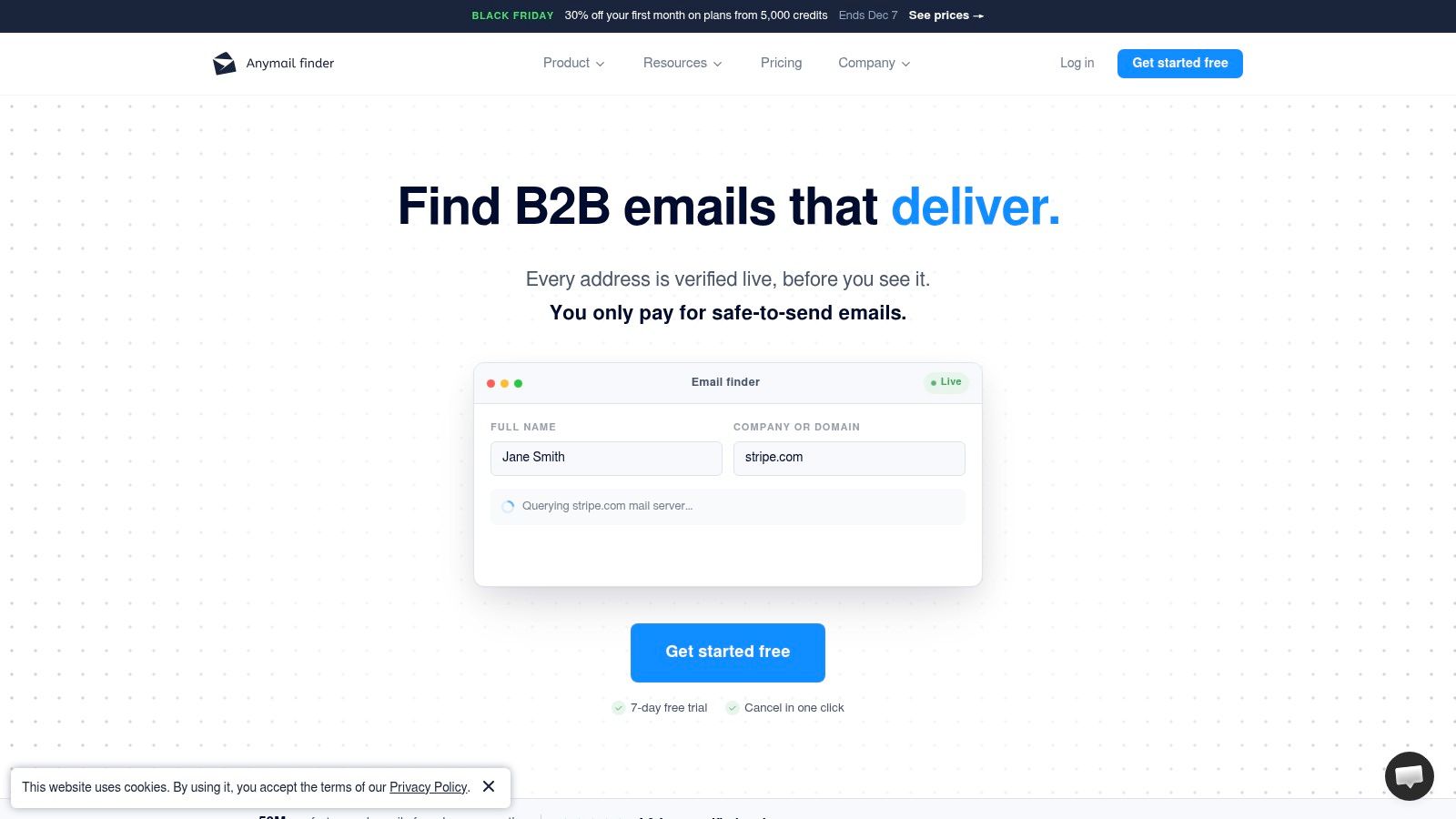
Anymail Finder is for filling missing business-email fields. Anymail Finder accepts information such as a person's name and company, a domain, or a LinkedIn URL, with bulk and API options.
The vendor emphasizes charging only when it finds a verified email. Team members share a credit pool rather than relying on listed per-seat pricing, which can suit teams where research work moves between colleagues.
A practical use case is a spreadsheet of relevant business contacts whose identities are already established. You don't need a prospecting suite to select the audience, just a discovery process that fits the spreadsheet.
Understand what verified means operationally
Catch-all verification is included, but ambiguous server behavior still deserves scrutiny. Ask how returned statuses distinguish a confirmed mailbox from a result supported by other signals.
- Good match: Name-and-company research, bulk address discovery, and API-driven enrichment.
- Wrong starting point: A customer list where every row already contains an email address.
- Remaining responsibility: Confirm current employment, respect suppression records, and decide whether outreach is appropriate.
Plan limits and credit terms matter before a large import. Check how repeat searches, unused allowances, and shared team usage affect the available pool.
No finder can guarantee that a recipient will keep using an address after discovery. Keep the lookup date with the record, and establish a recheck policy for prospects that sit unused.
How the 10 Email Address Lookup Tools Differ by Primary Job, Free Starting Point, and Best Fit
Comparing every row as if each tool does the same work leads to the wrong purchase. The ten split into finders, verifiers, and prospecting suites. A verifier cleans the list you already have; it does not build a prospect list from scratch. A finder hands you a name and domain; it will not tell you whether your CRM addresses are still safe to mail.
| Item | Primary Job | Free Starting Point | Best For |
|---|---|---|---|
| CleanMyList | Verify and clean existing email lists | 50 free credits, no card required | Marketers who want to reduce bounces before sending |
| Hunter | Find and verify professional email addresses | 50 credits per month | Occasional name-and-company lookups |
| Snov.io | Find contacts and manage outreach | 50 credits per month | Teams combining prospecting with follow-up |
| Apollo | Discover B2B prospects and manage outreach | Sales teams needing prospect data and outreach tools | |
| Voila Norbert | Find business emails individually or in bulk | 50 free credits | Spreadsheet-based prospecting |
| Lusha | Reveal business contact details, including emails and phone numbers | 40 credits per month | Sales or recruiting teams needing contact data |
| GetProspect | Find and enrich B2B contacts | 50 valid emails and 100 verifications | Teams using bulk and spreadsheet workflows |
| Skrapp | Find and verify professional emails | 50 credits | Smaller teams doing browser-based prospecting |
| Findymail | Find and verify B2B emails and phone numbers | Teams with ongoing outbound prospecting needs | |
| Anymail Finder | Find verified business email addresses | 100 free trial credits | Name-and-company prospect research |
Treat free credits as a test budget. Hunter and Snov.io meter credits monthly, suiting occasional lookups. CleanMyList gives 50 free credits with no card, enough for a sample export. Apollo and Findymail need a paid test before committing. The best-fit column points to spreadsheet prospecting, browser lookup, or outbound work.
Matching the Tool to the Job Before You Spend a Credit
If you have a name and company, start with a finder. Hunter, Voila Norbert, GetProspect, Skrapp, Findymail, and Anymail Finder offer different routes from known identities to professional addresses.
If you already have an aging or unverified list, start with a verifier. You need classifications, reasons, suppression decisions, and a clean export, not more names.
For pipeline building, consider Snov.io, Apollo, or Lusha according to the work involved. Campaign management, database targeting, and multichannel contact data are separate reasons to choose a suite. The guide to matching prospecting tools to outbound use cases can help clarify which broader capabilities your team needs.
Test the decision your team needs to make
Use a small, representative sample before committing. For discovery, include current employees, recent job changes, and incomplete company information. For verification, include known failures, shared inboxes, privacy aliases, and inconclusive addresses.
- Inspect the outputs: Look for understandable reasons and explicit uncertainty, not just a confidence score.
- Trace the credits: Check whether searches, reveals, verification, exports, and phone lookups consume different allowances.
- Review data handling: Confirm retention, deletion, access controls, and the terms covering uploaded contact data.
Don't judge a verifier solely by how many records it labels sendable. A cautious unknown classification can be more useful than a confident verdict your team can't interpret.
Mailbox checks also aren't an inbox-placement guarantee. The Validity global deliverability benchmark measured 84.8% inbox placement for legitimate marketing email, which illustrates why validation belongs alongside authentication, complaint monitoring, and relevant messaging.
Keep permission separate from reachability
Research on privacy-conscious users in the International Journal of Human-Computer Studies examines why people submit invented addresses to protect privacy or reduce overload. A technically plausible address isn't proof of a genuine customer relationship.
Use transparent collection notices, suitable confirmation flows, preference controls, and minimal retention. Don't automatically reject a legitimate forwarding address because it doesn't resemble a conventional work mailbox.
The right email address lookup tool should help your team make a specific decision. Define that decision first, test the output, and pay for the category that solves it.
CleanMyList checks existing addresses and returns clear verdicts with plain-English reasons, so you can separate sendable contacts from failures and uncertain results before a campaign. Visit CleanMyList to try your sample with 50 free credits, no card required, then export the results or connect your email platform.