Your list has 40,000 rows, it hasn't been cleaned in two years, and campaign day is tomorrow. You already know what happens if you send it as is. Hard bounces climb, mailbox providers lose trust in your domain, and perfectly good mail starts landing in spam because the dead addresses dragged your reputation down.
That's the job many teams mean by Spam Guard Software in practice. They aren't buying a filter for incoming mail, and none of the tools below does that. They're buying email verification that answers one question before you send: is this address real, risky, or worth skipping? If your problem is the other side of the inbox, automated email organization for small businesses is a different layer and a different purchase.
I've sorted these ten by where bad addresses enter, not by feature count. Some are built for bulk list cleaning. Some sit on a signup form. Some only make sense if you have a developer wiring up an API. Pick the wrong layer and you'll still leak bad data, even with a good tool. Each entry below says who it's for, what it costs to start, and where it stops helping you.
Table of Contents
- 1. CleanMyList
- 2. ZeroBounce
- 3. Bouncer
- 4. NeverBounce
- 5. Kickbox
- 6. Emailable
- 7. Clearout
- 8. MillionVerifier
- 9. Mailgun Validate
- 10. Verifalia
- How the 10 Spam Guard Software Options Compare on Pricing, Free Access, and Best Use
- Match the Tool to Where Bad Addresses Enter
1. CleanMyList
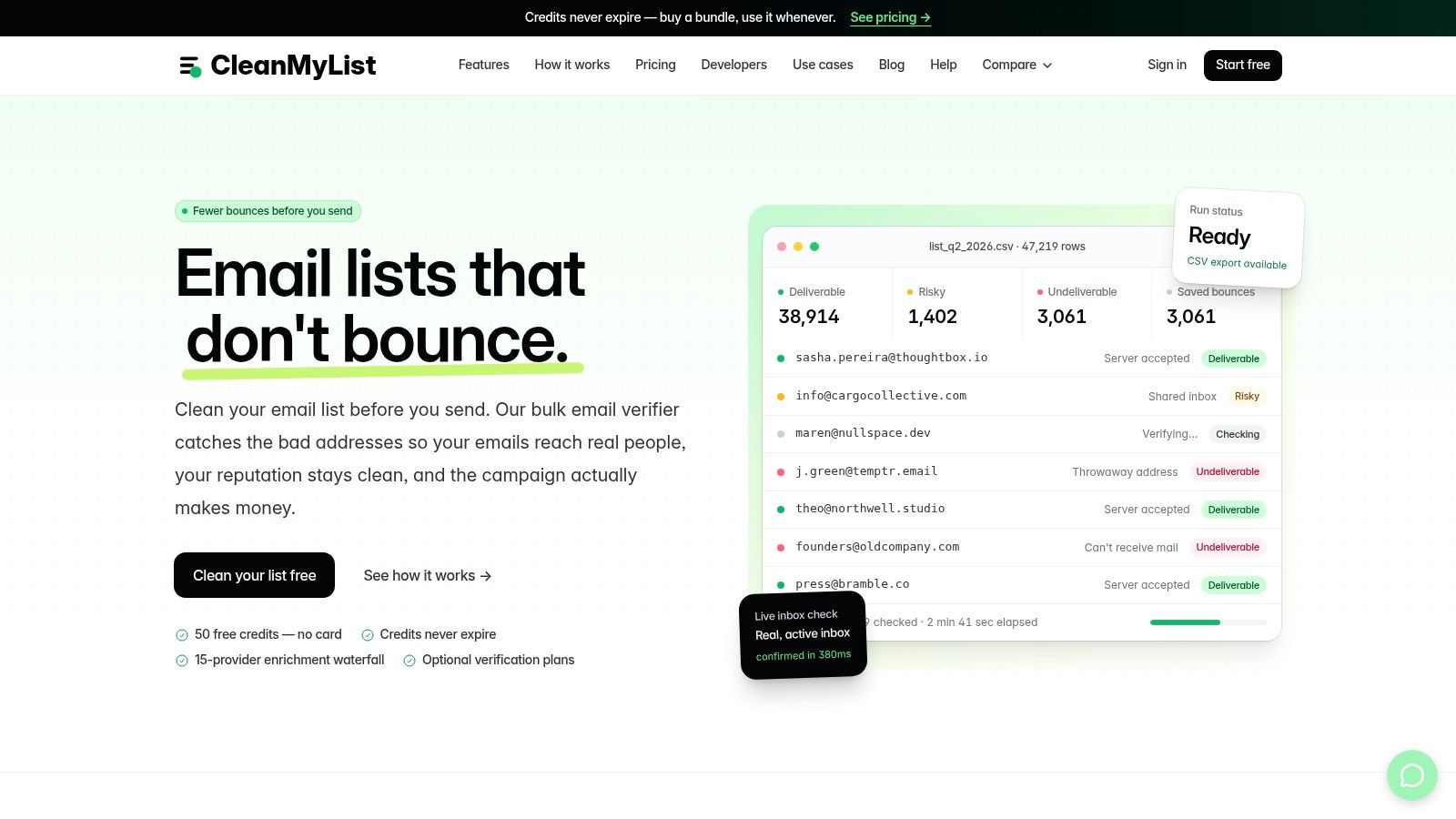
CleanMyList is the straightforward pick for a team that cleans lists before campaigns and doesn't want a mandatory subscription to do it. You upload a CSV or paste addresses, results stream back in real time, and you export the cleaned file or sync it to your email tool. Your original list stays untouched, so a bad verdict never costs you the source data.
What the Eight Checks Actually Give You
Each address runs through syntax, DNS, SMTP mailbox existence, catch-all behavior, disposable providers, role accounts, historical bounce reputation, and a final send or skip recommendation. The useful part isn't the count. It's the plain-English reason attached to every verdict, so you can tell a deliverable address from a risky one instead of guessing at a score. That reasoning matters because filtering has always been a trade-off. The 2004 ACM study of five supervised-learning methods used cost-sensitive measures for exactly this reason, since blocking legitimate mail and letting spam through don't cost the same.
A one-line signup widget catches typos and fakes at the form, before they ever become a row you have to clean later. CleanMyList sends no emails during verification, encrypts lists, and deletes them after 30 days. It stays fast even on large files, and you can re-run an aged list later to catch addresses that went stale since your last send.
Pricing starts with 50 free credits, no card required. Paid bundles start at $6, and credits never expire, which suits irregular senders who might go months between campaigns. Weekly high-volume senders will still feel the spend add up, and catch-all results still need your judgment. No tool removes that call, and this one doesn't pretend to.
2. ZeroBounce
ZeroBounce is broader than a verifier. Alongside bulk and single-address checks, it layers in email scoring, inbox placement tests, and blacklist monitoring. If you want one vendor for list hygiene plus ongoing domain health, that breadth is the reason to consider it. If you only clean a small list twice a year, you're paying attention to tiers you'll never use.
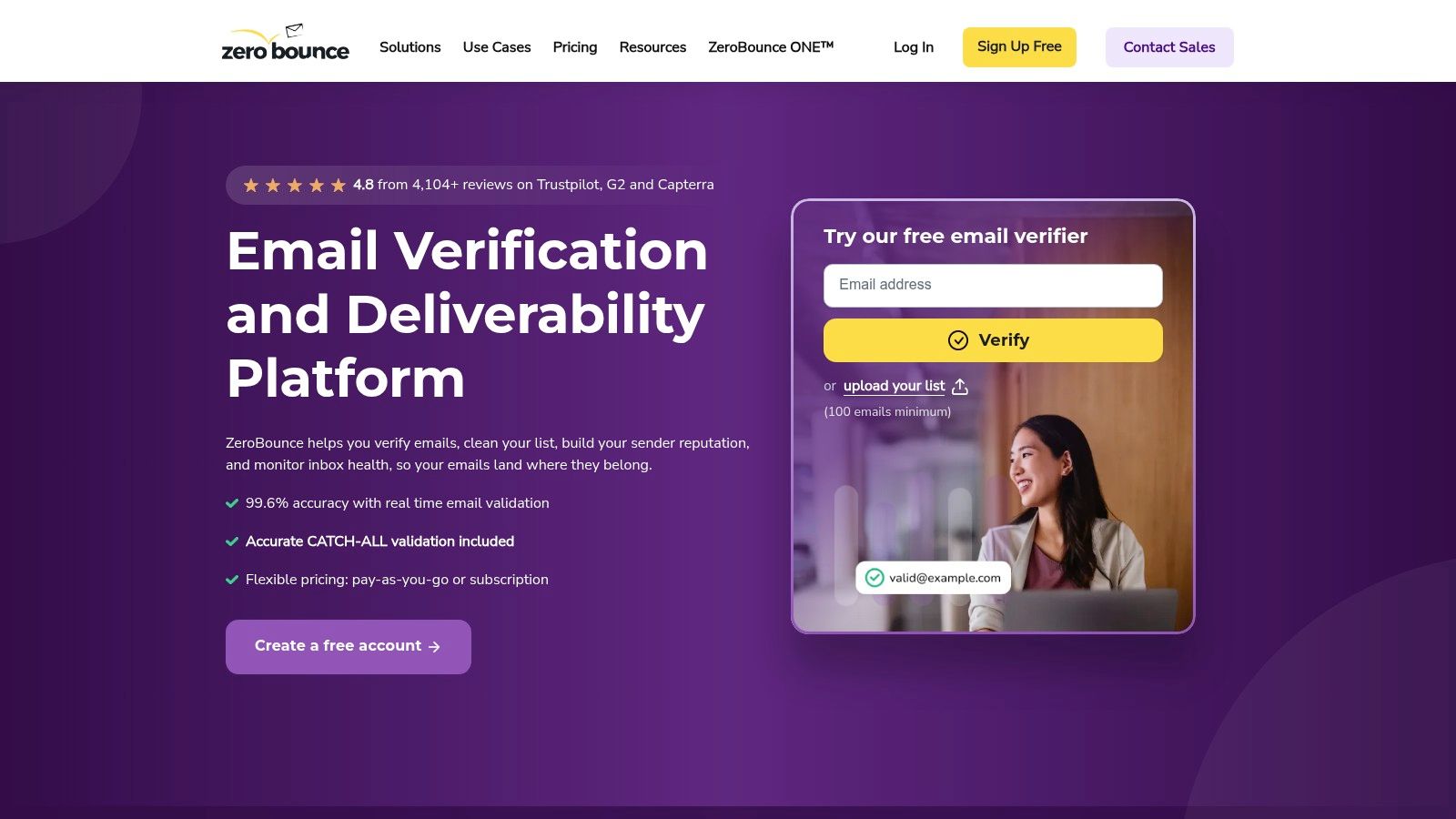
- Verification coverage: Flags invalid, disposable, and role-based addresses, with API access for connected workflows.
- Billing detail: Unknown results and duplicate addresses aren't charged, which protects you on messy imports.
- Free testing: A free account includes 100 verification credits per month.
Pay-as-you-go pricing starts at $39 for 2,000 verifications, so there's a real minimum spend before you've learned much. Credit expiration also depends on account and purchase circumstances, so read those terms against your sending cadence. Occasional senders lose value when credits lapse.
If you're comparing verdict labels before committing, this breakdown of how ZeroBounce validation handles risky results is worth running against your own test sample. My take: choose ZeroBounce when you'll use the deliverability extras, not for verification alone.
3. Bouncer
Say you clean lists quarterly, not weekly. Bouncer fits that rhythm because its pay-as-you-go model doesn't assume a monthly allowance. You buy credits, use them when a campaign is coming, and the purchased credits don't expire.
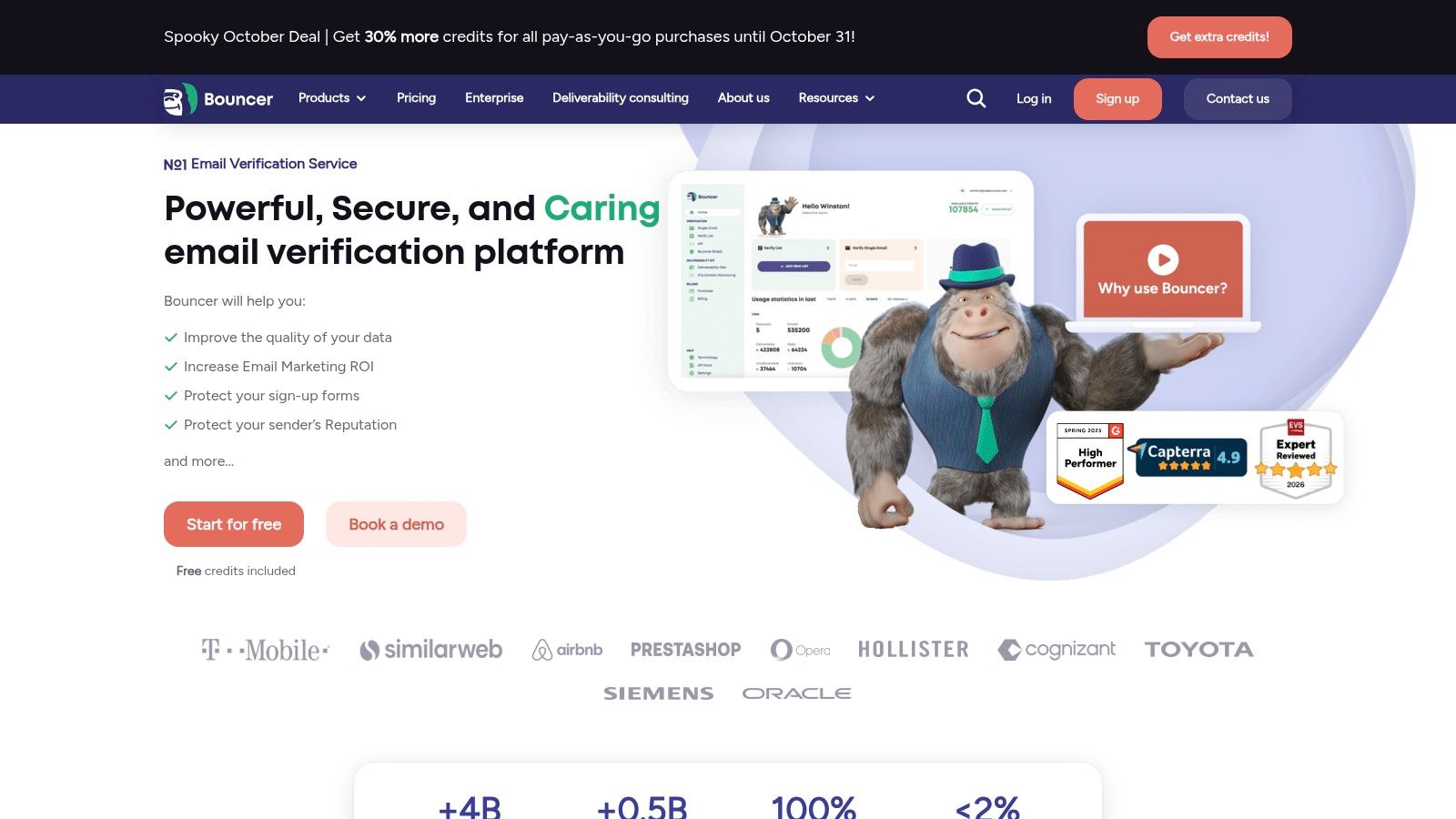
The minimum purchase is 1,000 credits for $8, and new accounts get free credits to test with. Pricing is published by volume, so you can calculate a job before you upload anything. Per its pricing page, duplicates and unknown results aren't charged either.
Where It Sits in Your Stack
Bouncer covers bulk verification and an API, and Bouncer Shield handles real-time form protection at signup. That's two of the three entry points in one tool. Inbox placement and authentication checks exist too, but they're separate deliverability products, not part of standard verification. Budget for them separately if you want them.
Practical rule: If a tool's extras are sold separately, price the verification job alone first, then decide whether the extras solve a problem you actually have.
The limit is scope. Bouncer isn't a campaign platform, and it doesn't try to be. You'll still send from somewhere else. For a focused Spam Guard Software purchase where the job is clean lists plus form checks, that focus is fine.
4. NeverBounce
NeverBounce draws a clean line between two jobs, and its documentation is honest about the difference. Bulk jobs clean existing lists, with progress tracking and downloadable results. Single checks run through the API at moments like form submission, where you're validating one address in real time.
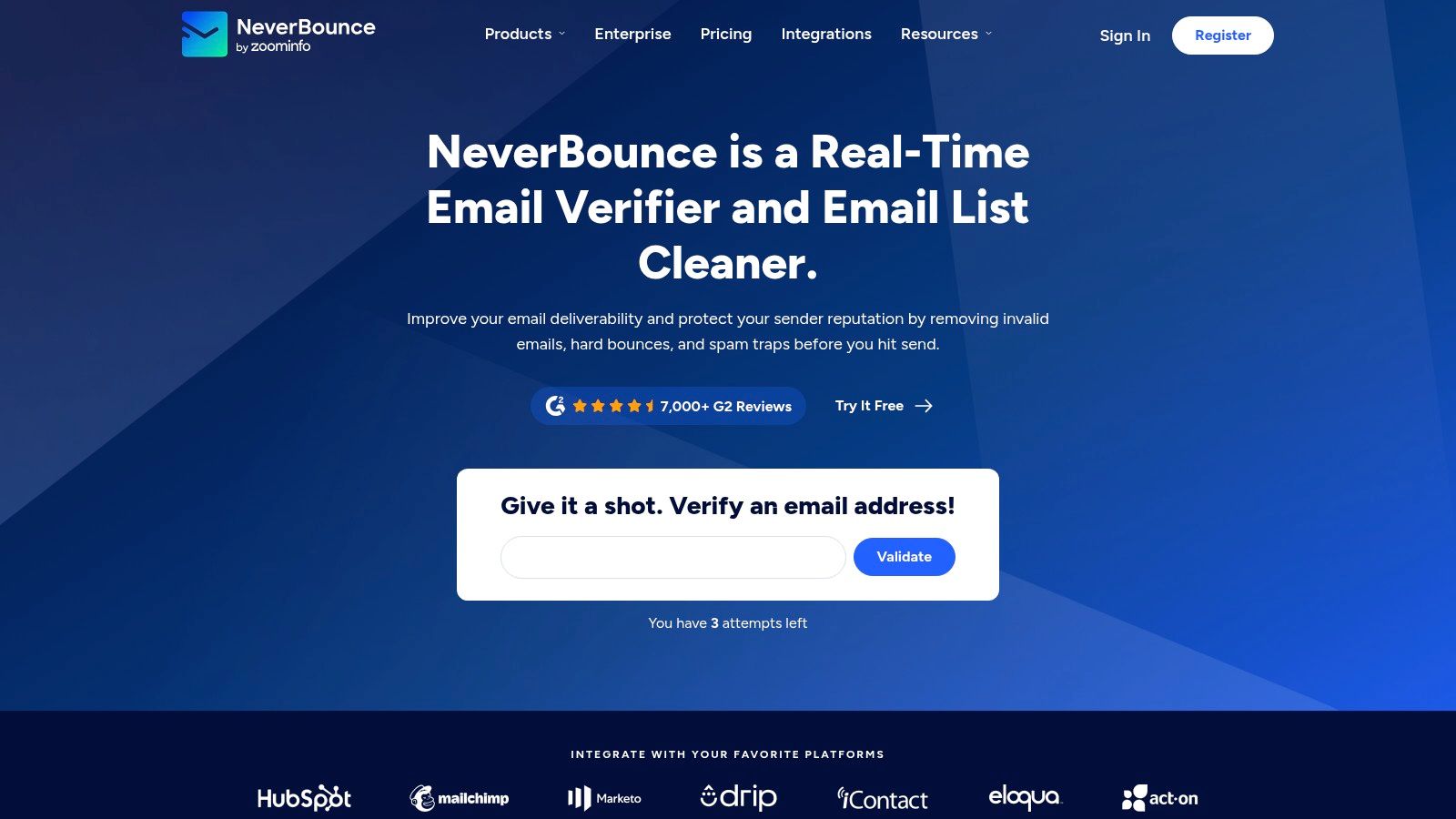
Bulk billing is based on unique, syntactically valid addresses in the file you submit, so dedupe before you upload if your export is messy. Results come back as valid, catch-all, or unknown.
Here's the part worth slowing down on. For single checks, NeverBounce advises allowing catch-all and unknown results rather than treating them as invalid. That's correct, and it tells you how to configure any signup check, not just theirs. Block a mistyped domain at the form, yes. Reject a customer because their company server accepts everything, no. That kind of false positive costs you a real signup, and it never shows up in a bounce report where you'd notice it.
Publicly accessible pricing wasn't confirmed, so you'll need to check costs in the account or with sales before planning a large job. That friction matters for small teams. If you're weighing it against a pay-as-you-go option, the NeverBounce comparison page lays out the differences. Best fit is a larger database with technical help on hand.
5. Kickbox
Specialists earn their place when the job is narrow. Kickbox verifies existing lists and runs real-time checks for collection workflows, and it largely stays in that lane. You won't spend time sorting through a sales engagement suite to find the upload button.
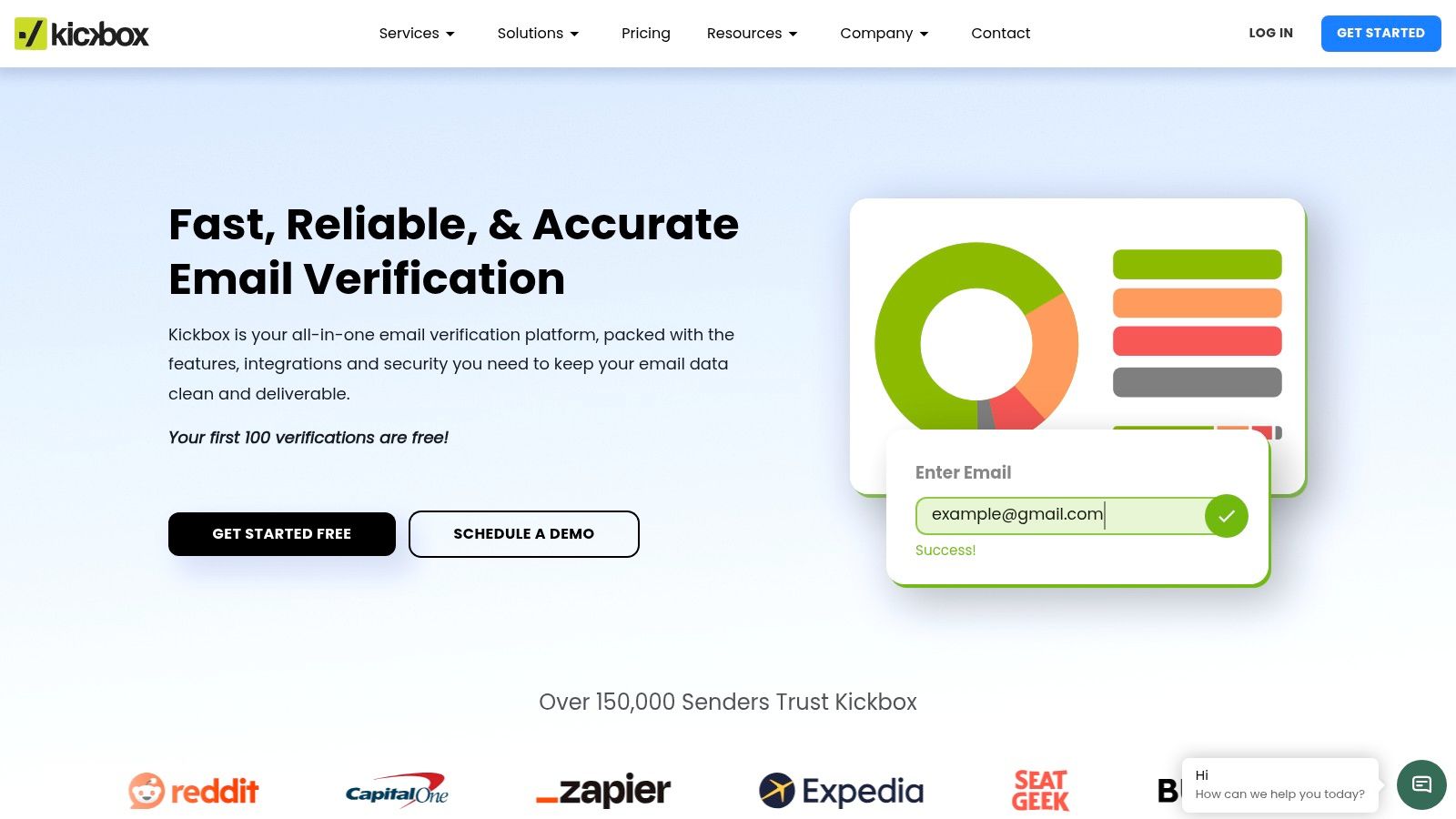
Kickbox covers the two points where bad addresses typically enter:
- Bulk mode: Upload a list and get back deliverability classifications for a pre-send clean.
- API mode: Wire checks into an application or signup flow so bad addresses stop at entry.
- Unknowns: Billing for unknown results depends on the plan, so confirm the current terms on Kickbox's pricing page before you budget a large job.
- Trial: Free checks let you test verdict quality on your own data before scaling.
Scope is the main trade-off. Kickbox is a verifier, so campaign sending and broad deliverability monitoring stay with the rest of your stack.
For a closer look at verdict handling, see this guide to Kickbox email verification in practice. I'd shortlist it when you want a proven verification API and the surrounding stack is already sorted.
6. Emailable
Emailable connects verification to wherever your addresses already live. There's bulk CSV cleaning and single-address checks, plus an API and a widget for forms and existing software. That widget matters more than it sounds. Stopping a fake address at checkout or signup is cheaper than discovering it in a bounce file six months later.
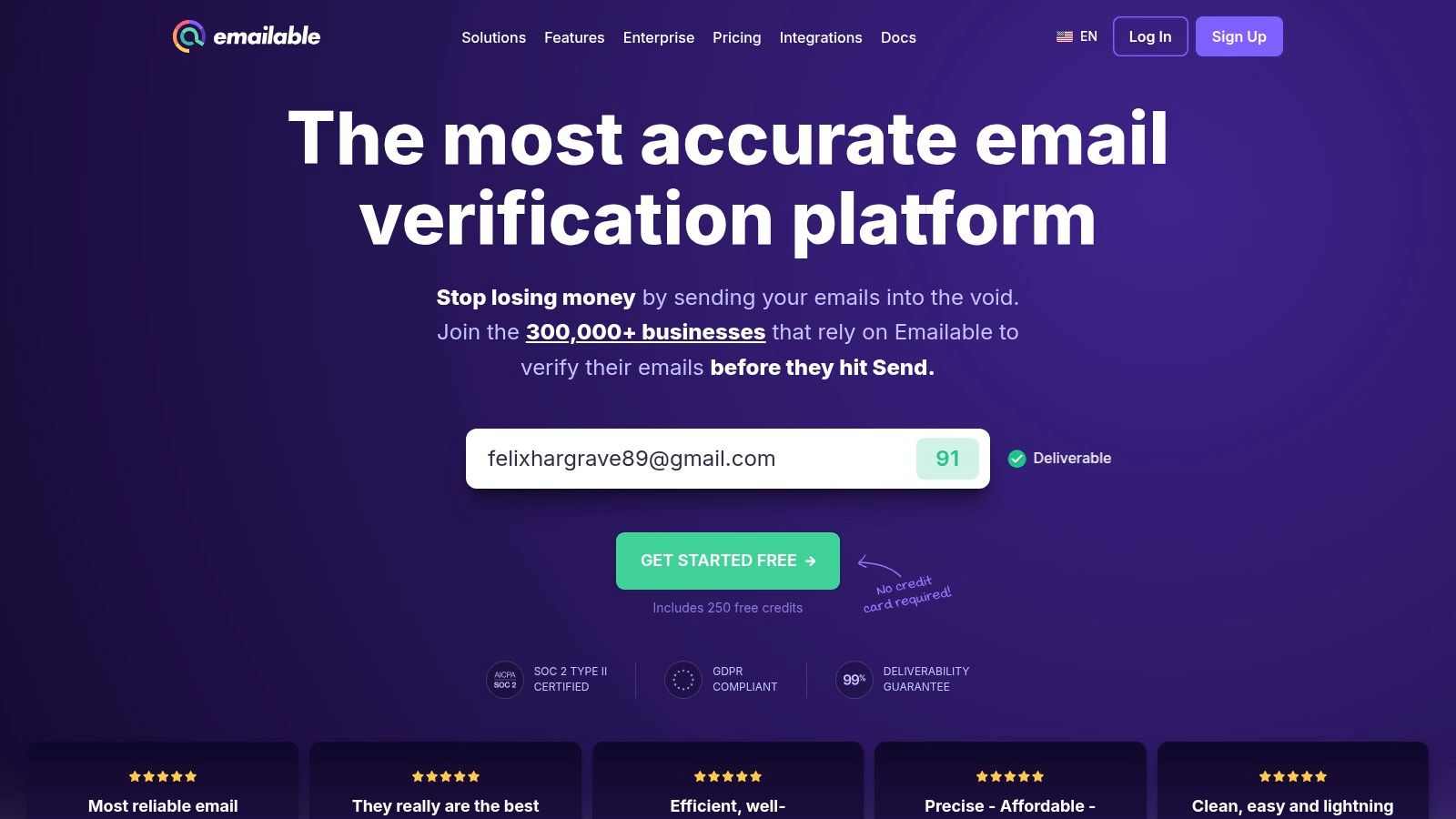
New accounts get 250 free credits, which is a more useful test than most. Pay-as-you-go runs 5,000 credits for $38, purchased credits don't expire, and no monthly commitment is required. Per its pricing information, unknown results and duplicates are credited back.
That 5,000-credit minimum is the catch. If your whole list is 800 addresses, you're buying far more than one job needs, even if the credits sit there for later. Deliverability products like inbox placement and authentication monitoring are also separate from verification and can add cost on top.
Emailable suits a team with a few thousand addresses moving through forms and periodic bulk cleans, especially if you'll use the integrations rather than exporting CSVs by hand. Very small, occasional lists get better value from a lower minimum elsewhere.
7. Clearout
Many organizations don't have one entry point. They have a signup form leaking typos today and a two-year-old import waiting for the next campaign. Clearout is built for both, with bulk verification for existing lists and real-time checks for forms and APIs.

Billing is where it gets flexible, and slightly complicated. There are pay-as-you-go, monthly, annual, and automatic replenishment options, with pay-as-you-go starting at $40 for 5,000 credits. Free signup credits are available for testing. According to Clearout, unknown results and duplicates within the same uploaded list aren't charged.
A billing model is a workflow decision. Automatic replenishment only helps if your verification volume is steady enough that running dry mid-signup is a real risk.
That range of options takes more comparison work than a single simple package. You'll need to estimate monthly form volume plus bulk jobs before the right plan is obvious, and some advanced features carry separate fees or limits. If your volume is consistently recurring, the effort pays off. If you clean one list a quarter, a plain credit bundle from a simpler tool is easier to reason about.
8. MillionVerifier
The problem with one-time cleaning is that lists keep decaying after you finish. MillionVerifier addresses that with EverClean, which automatically re-checks connected lists on an ongoing basis. You also get standard bulk uploads and single-address checks, with results sorted by status.
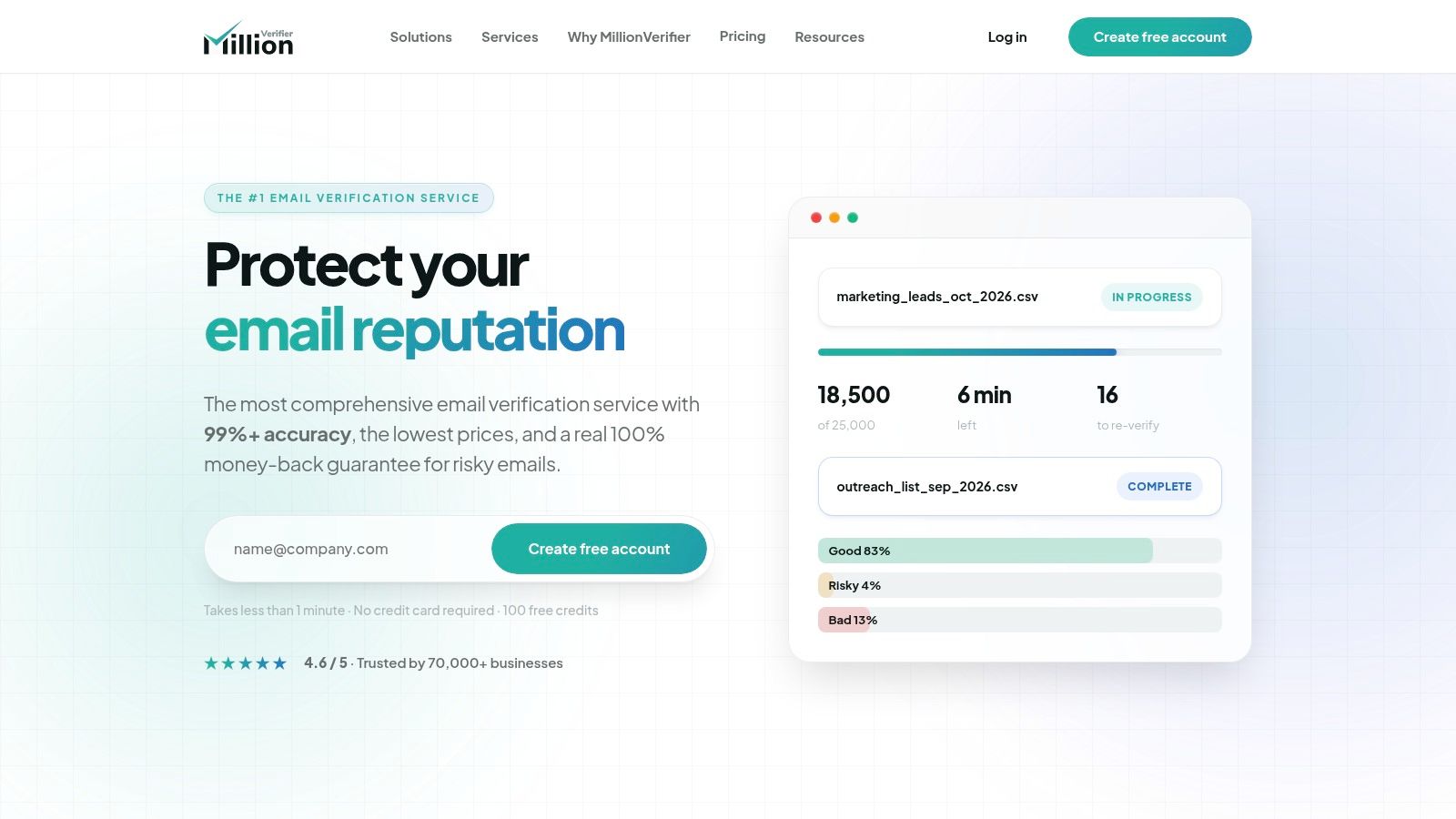
- Classifications: Separates catch-all, unknown, invalid, disposable, and role addresses so you can treat each group differently.
- Credit terms: Purchased verification credits don't expire, per its help documentation.
- Entry offer: A one-time offer of 2,000 credits for $4.90 applies to some new users, subject to eligibility.
Read the eligibility conditions before counting on that offer, since trial credits are tied to things like business-email signups or integration-based use. The bigger limitation is EverClean itself. It works with connected services, not manually uploaded files. If your process is spreadsheet in, spreadsheet out, the automated maintenance won't apply to you.
That split decides the fit. Teams whose lists live inside integrated platforms get real value from continuous re-checking. CSV-driven teams are buying a competent bulk verifier and should judge it on that basis alone, against the other pay-as-you-go options here.
9. Mailgun Validate
Checking addresses inside the same system that sends your mail removes a whole export-import step. Mailgun Validate does that for teams already on Mailgun: bulk CSV verification plus real-time API validation, returning risk-oriented results alongside basic deliverability, including catch-all and unknown classifications. Checks cover syntax, DNS, mailbox existence, and disposable and role-based addresses.
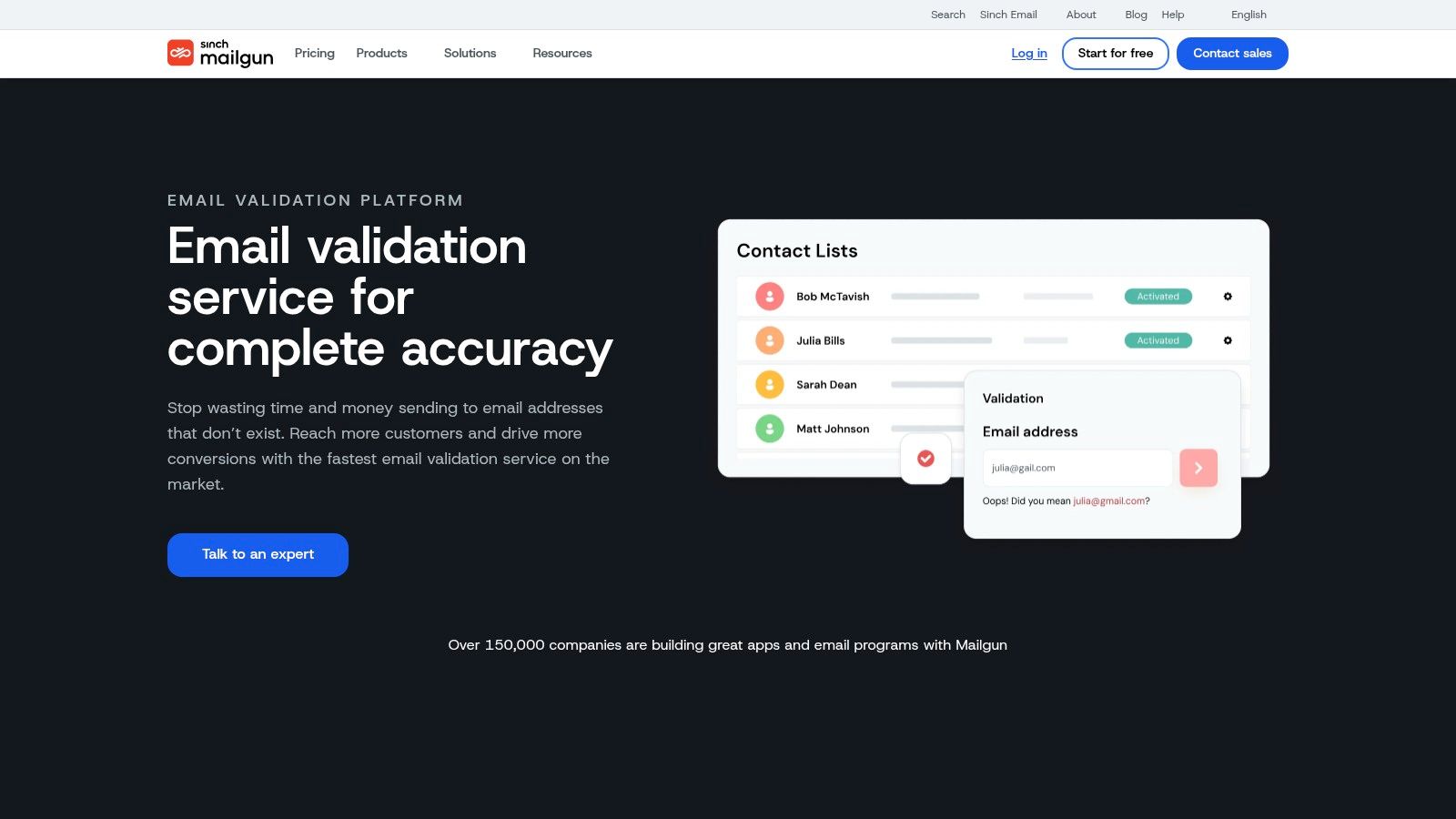
The standout feature is the aggregate preview, which shows overall list health before you pay for full verification. On a large inherited list, that preview tells you whether you're cleaning a decent list or salvaging a bad one. Those two jobs get handled very differently: the first needs a routine pass, the second may need stricter thresholds or partial suppression before you send.
Pricing needs care. Validation is billed separately from email-sending plans, and the rate varies by plan, so confirm current pricing on the product page before running a big job. The sending bill alone won't tell you what verification costs.
One boundary worth stating: like every tool in this roundup, it cleans addresses you plan to send to. It does not filter inbound spam reaching your own inbox.
The tool itself is developer-led, with strong API documentation. Without engineering help, a standalone verifier will feel simpler for a quick file upload. If verification needs to live inside your sending infrastructure, this is the one built for that.
10. Verifalia
Verifalia gives you a dial the others don't. It offers Standard, High, and Extreme verification levels, each using different processing depth and consuming different amounts of credits. Deeper checks cost more and take longer. Shallower checks are faster and cheaper. That trade-off is yours to set per job, which suits teams who verify a high-value sales list differently from a free newsletter import.
What You Get Day to Day
Bulk uploads accept CSV and other file formats. There's an API, a JavaScript widget, SDKs, and integrations for connected workflows. Free accounts include 25 verifications per day, enough for steady low-volume testing, and pay-as-you-go credits don't expire. You can also configure data retention, and the service says verified addresses aren't stored on persistent media, which will matter to privacy-conscious teams.
The cost of configurability is complexity. The plan matrix and processing levels take real thought to set up well, and picking Extreme for everything will burn credits on addresses that didn't need that depth. For simple list cleaning, it's more machinery than necessary. For a team with mixed lists at different values, and someone willing to tune it, that control is the whole point. This is Spam Guard Software for operators who want to decide how hard each check works.
How the 10 Spam Guard Software Options Compare on Pricing, Free Access, and Best Use
These tools address different points where bad addresses enter a system. The table compares their listed entry prices and free access alongside their signup and API capabilities. CleanMyList's $6 bundles start with 50 free credits, require no subscription, and do not expire.
| Item | Entry Pricing | Free Option | Signup and API Checks | Best For |
|---|---|---|---|---|
| CleanMyList (recommended) | Bundles start at $6; credits never expire | 50 credits; no card required | Signup widget and sync to your email tool | Teams seeking straightforward list cleaning with clear results and integrations |
| ZeroBounce | $39 for 2,000 verifications | 100 credits per month | API access and single-address checks | Teams wanting verification plus broader deliverability tools |
| Bouncer | $8 for 1,000 credits | Free starting credits | API checks and real-time form protection | Occasional or recurring list cleaning |
| NeverBounce | Account or sales route for pricing | Free trial checks available | API checks for signup flows; bulk list verification | Teams with large databases and technical workflows |
| Kickbox | Pay-as-you-go pricing | Free checks available | API checks for applications and signup flows | Teams wanting a specialist verification service |
| Emailable | $38 for 5,000 credits | 250 credits for new accounts | API and widget for workflow integration | Teams seeking pay-as-you-go checks connected to forms or software |
| Clearout | $40 for 5,000 credits | Free signup credits | API and real-time signup checks | Teams needing both list cleaning and form validation |
| MillionVerifier | Eligible new users may get 2,000 credits for $4.90 | Trial credits available subject to conditions | API and integrations; single-address checks | One-time cleaning or automated list maintenance |
| Mailgun Validate | From $1.20 per 100 validations on some plans | Free trial available | API validation and bulk CSV checks | Developer-led teams using Mailgun or building email workflows |
| Verifalia | Pay-as-you-go credits; 25 free verifications per day | 25 verifications per day | API, widget, SDKs, and integrations | Teams that want configurable verification depth |
Match the Tool to Where Bad Addresses Enter
A stale CRM export, a typo at signup, and an address passed through an API call need different controls. Choose the tool for the point where bad addresses enter: bulk verification cleans an existing list, form checks catch errors before they become records, and API validation supports application workflows. A bulk cleaner alone will not prevent the same typo from entering again at signup.
Test on Your Own Data, Not Their Benchmarks
Use free credits to check a sample of 500 to 1,000 addresses from your actual list. Include addresses known to bounce and ones tied to active customers. Compare how tools label catch-all and unknown results, then decide what your team should do with each category. The 2022 peer-reviewed analysis in Artificial Intelligence Review found that many studies published from 2018 to 2020 relied on email data gathered between 2000 and 2010. Dataset shift can make published accuracy figures a poor guide to how a tool will perform on your list.
Accuracy alone does not show how many valid addresses a tool might wrongly flag. A 2024 comparative study of six machine-learning approaches reported 95.87% accuracy for Random Forest and a 4.13% misclassification rate. Those figures concern the study's classification task, not email-verification tools. Spam-classification research also illustrates that false positives can occur, but its results should not be treated as verification benchmarks. Track how many known-good addresses your chosen tool marks for suppression or review.
Build a Send, Review, Suppress Policy
Give each verdict a defined action. Send to addresses classified as clean, suppress invalid ones, and review risky or unknown results before deciding. Disposable addresses and spam traps need different handling from invalid addresses: a disposable address used at checkout may still belong to a paying customer, while a suspected spam trap calls for caution. Automatically deleting every risky result can discard a legitimate contact.
Calculate cost per clean address rather than cost per credit. Duplicates, unknown results, and minimum purchases can change what a batch actually costs. Recheck aged lists on a schedule, since people change jobs and abandon inboxes. Verification helps reduce bounces, but it does not replace permission, engagement management, unsubscribe handling, or complaint monitoring. No address-verification tool filters inbound spam email.
If your next campaign depends on an unverified list, start with a small sample and inspect why each address passes or fails. CleanMyList offers 50 free credits with no card required, plain-English verdicts across eight checks, and credits that never expire. Use the sample to identify which addresses to send, review, or suppress, then add signup protection if typos and fakes are entering through your form.