
You've spent months collecting leads, building a launch sequence, and getting the offer right. Then the campaign lands in spam. Your audience includes stale mailboxes, mistyped signups, and fake addresses, and sending to them has hurt your reputation before your best prospects even see the message.
The frustrating part is that your email platform may accept an import without telling you which contacts are safe to send to. An email list service helps you assess that risk before launch. It won't repair missing authentication, create permission, or make unwanted outreach welcome, but it can stop you from sending blindly.
Start by diagnosing why emails never reach inboxes, rather than assuming every delivery problem needs another round of cleaning. Bad addresses, complaints, and authentication failures need different remedies.
The buying decision comes down to verification depth, privacy handling, pricing structure, and integration. Does the service explain uncertain results? What happens to your uploaded data? Will unused credits remain usable? Can you return results to Mailchimp, Klaviyo, or your newsletter platform without accidentally reactivating suppressed contacts?
The services below support different workflows, from occasional CSV cleanup to developer-managed signup validation. Their limitations matter as much as their features. A cheap check isn't cheap if you can't interpret the result or safely apply it to your next campaign.
Table of Contents
- 1. CleanMyList
- 2. ZeroBounce
- 3. Bouncer
- 4. Emailable
- 5. MillionVerifier
- 6. Clearout
- 7. DeBounce
- 8. Verifalia
- 9. NeverBounce
- 10. Kickbox
- Email list services compared
- How to Choose and Put Your Email List Service to Work
1. CleanMyList
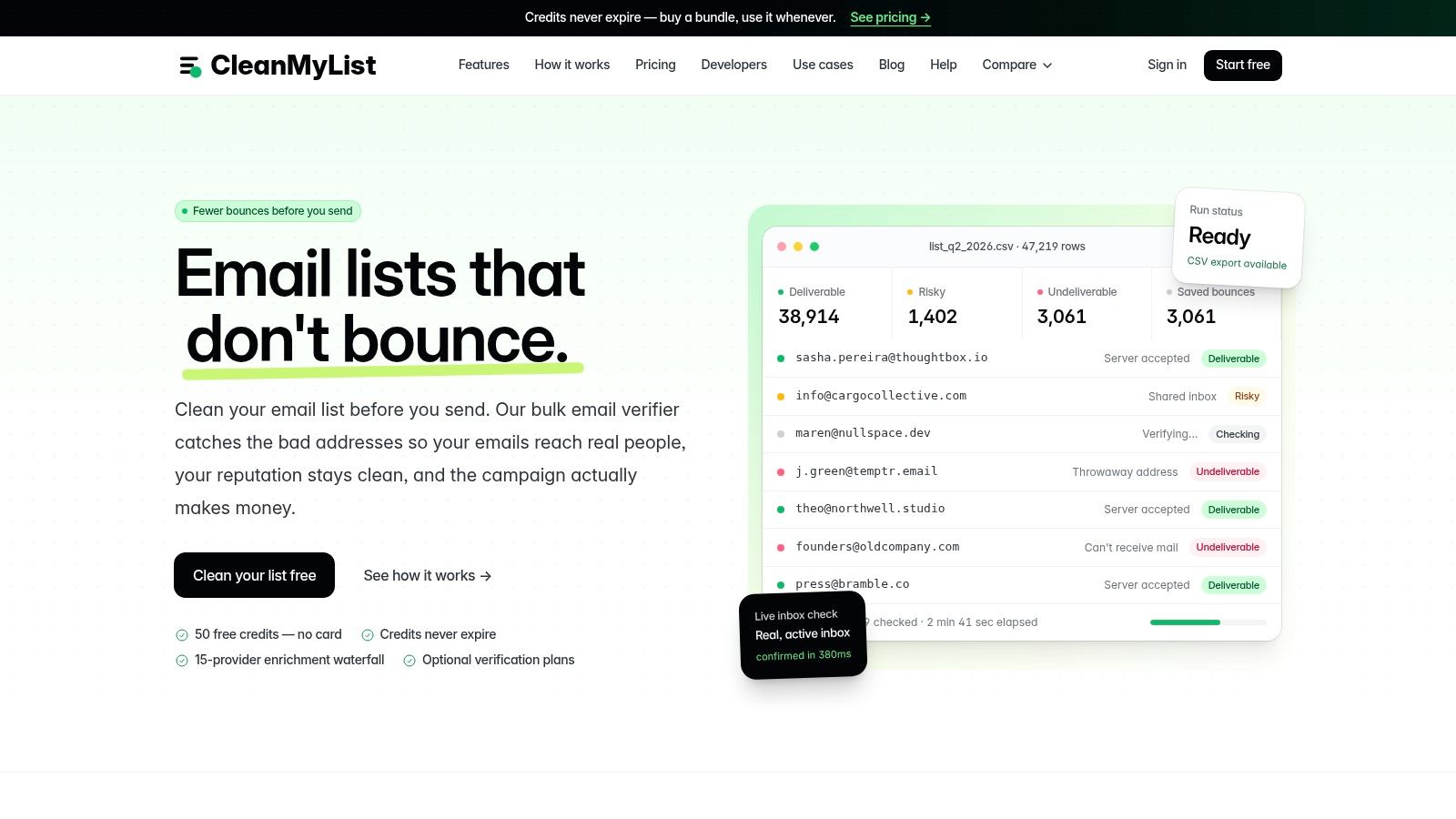
A stale event list can turn a campaign into a bounce problem. CleanMyList is a no-subscription bulk verification service for checking addresses before a send. Upload a CSV, paste rows, link to a file, or import contacts from a connected tool. Results stream back as checks finish, with a plain-English reason for each verdict.
Verification checks syntax, DNS, mailbox existence, catch-all behavior, disposable providers, role accounts, and historical bounce reputation. Each address is labeled safe to send, risky, do not send, or unknown, with a final send-or-skip recommendation. Shared inboxes such as info@ are identified for your review, rather than automatically treated as unusable.
Where it fits and where it stops
- Verification quality: The labels help separate addresses to keep from those to exclude, but an unknown result still needs a policy decision. Mailbox acceptance does not guarantee inbox placement.
- Privacy handling: Lists are encrypted, never sold or shared, and never used to train anything. They are deleted within 30 days of the run, and verification ends before any email is sent.
- Pricing structure: New accounts get 50 free credits with no card required. Bundles start at $6, and credits never expire.
- Platform integration: CleanMyList connects with tools including Mailchimp, Klaviyo, Brevo, beehiiv, ActiveCampaign, and MailerLite. Results can be pushed back to a connected email tool without a CSV round trip.
- Signup prevention: A real-time API can catch typos and fake addresses before they enter your list. This helps prevent new bad data, but it does not replace cleaning older or stale contacts.
For practical guidance on applying verdicts to exclusions and campaign-ready segments, see this guide to using an email list cleaning service.
2. ZeroBounce
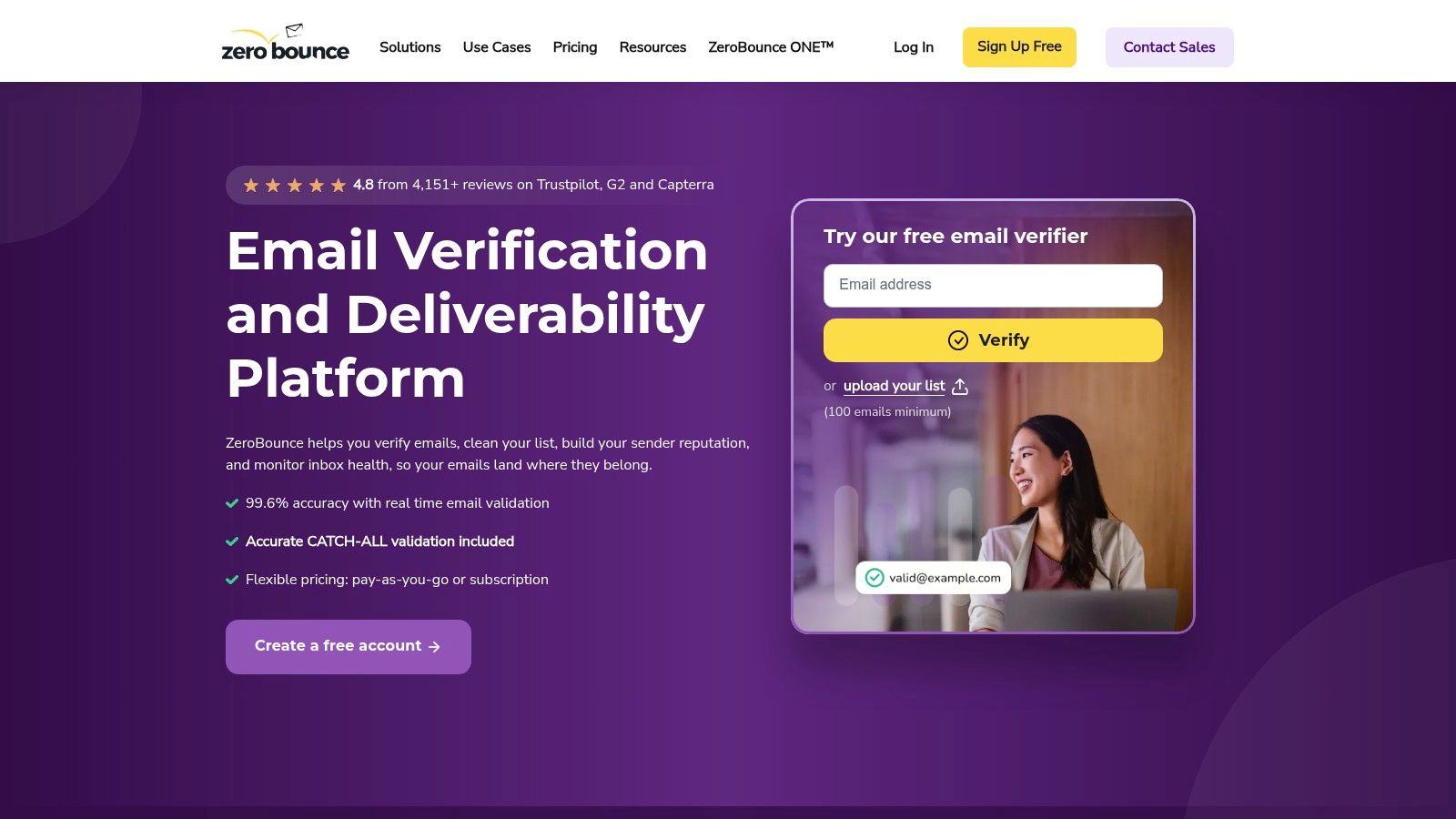
ZeroBounce makes sense when your problem extends beyond an untidy spreadsheet. It combines bulk and real-time verification with tools such as inbox-placement testing and blacklist monitoring, so marketing operations can investigate list quality and sending health through the same provider.
That breadth is useful if someone on your team will monitor the results. It's less compelling when you only need to clean an occasional event export and return it to your email platform.
- Verification quality: Bulk checks, API verification, scoring, and email-finding capabilities support several acquisition workflows. Evaluate the exported classifications, not just the dashboard's overall quality score.
- Privacy handling: Review retention, deletion controls, processing terms, and account access before uploading customer data. A deliverability suite shouldn't receive unrelated profile fields if your export includes them.
- Pricing structure: Pay-as-you-go purchasing and a recurring free allowance support different usage patterns. Duplicate addresses and unknown results aren't charged, but minimum purchases still matter for small jobs.
- Platform integration: API access supports automated validation. Confirm whether your particular email-platform workflow uses a native connector, middleware, or custom development.
Buying rule: Pay for monitoring when someone owns the monitoring. Otherwise, a broader suite can become an unused expense.
The practical advantage is consolidation. The limitation is added product scope, which can complicate a straightforward buying decision. Use the same test file when comparing email verification options, and judge how clearly each service explains borderline records.
3. Bouncer
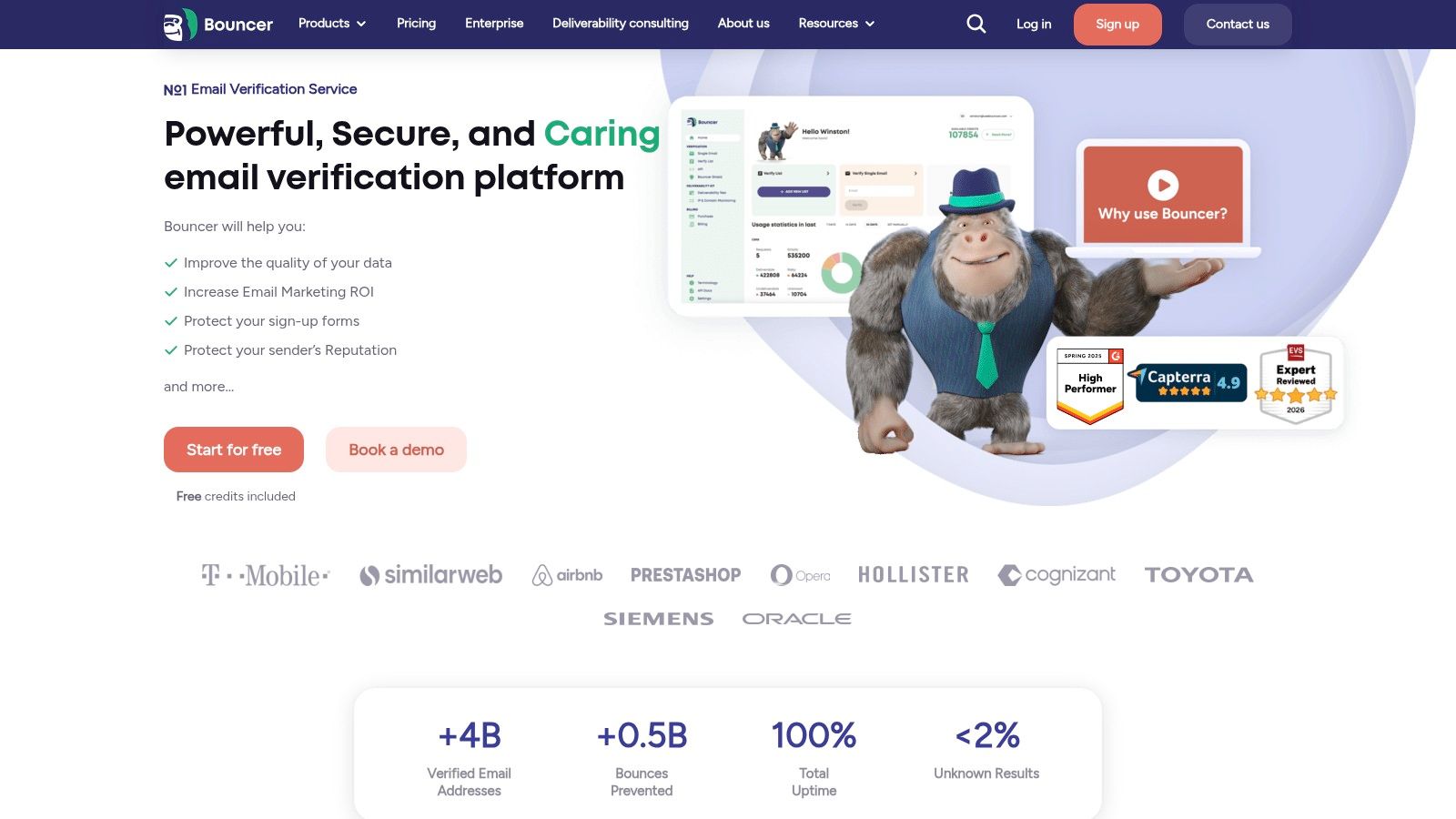
An occasional sender needs a different billing model from a business validating signups continuously. Bouncer offers pay-as-you-go bulk verification, an API, and a separate signup-protection product, Bouncer Shield. That separation can suit teams that want to buy only the workflow they need.
Verification quality should be assessed through the difficult records in your own list. Include business domains, shared inboxes, and uncertain addresses in a controlled sample, then inspect whether classifications support sensible campaign decisions.
Keep the product boundaries clear
Pricing structure is appealing for intermittent cleanup because verification credits don't expire, and duplicates and unknown results aren't charged. However, deliverability testing and signup protection are separate offerings. Don't assume a verification credit purchase includes every feature visible on the website.
For privacy handling, review the processing agreement and deletion options before transferring a list. Upload only the fields needed for matching results back to your records, rather than a complete customer profile.
Integration is available through the API, but your implementation still needs an explicit action for each verdict. A rejected signup, a quarantined contact, and a suppressed marketing recipient are different operations.
Bouncer's strength is a clear fit for occasional verification with room to add other capabilities. Its limitation is that a broader workflow can involve separate products and costs. Price the whole process you'll run, not just the initial upload.
4. Emailable

If marketing uploads lists while developers validate new registrations, a shared credit system can simplify administration. Emailable supports bulk uploads, single-address checks, API verification, and a widget within that model.
The operational benefit is consistency. You can apply a common result policy to existing contacts and new signups, rather than maintaining disconnected rules across separate services. That doesn't remove the need to test how each entry point handles uncertain results.
- Verification quality: Inspect both bulk exports and real-time responses. A form needs a useful immediate response, while an older imported list may need review and rechecking.
- Privacy handling: Establish how uploaded files, API requests, and downloadable reports are retained. Include exported results in your internal deletion process, since removing the original upload won't remove copies your staff downloaded.
- Pricing structure: Emailable offers pay-as-you-go purchasing and subscriptions, with nonexpiring credits and no charges for duplicates or unknown results. The minimum purchase can still leave occasional users holding more credits than they need.
- Platform integration: The API and widget support point-of-entry validation. Verify the connector and result-mapping behavior for your marketing platform before committing.
Deliverability reports and blacklist monitoring add scope, but they shouldn't distract from the basic acceptance test: can your team turn a verdict into the correct action?
Best fit: organizations sharing verification across marketing and product. Main limitation: a unified account doesn't automatically create a unified suppression policy.
5. MillionVerifier
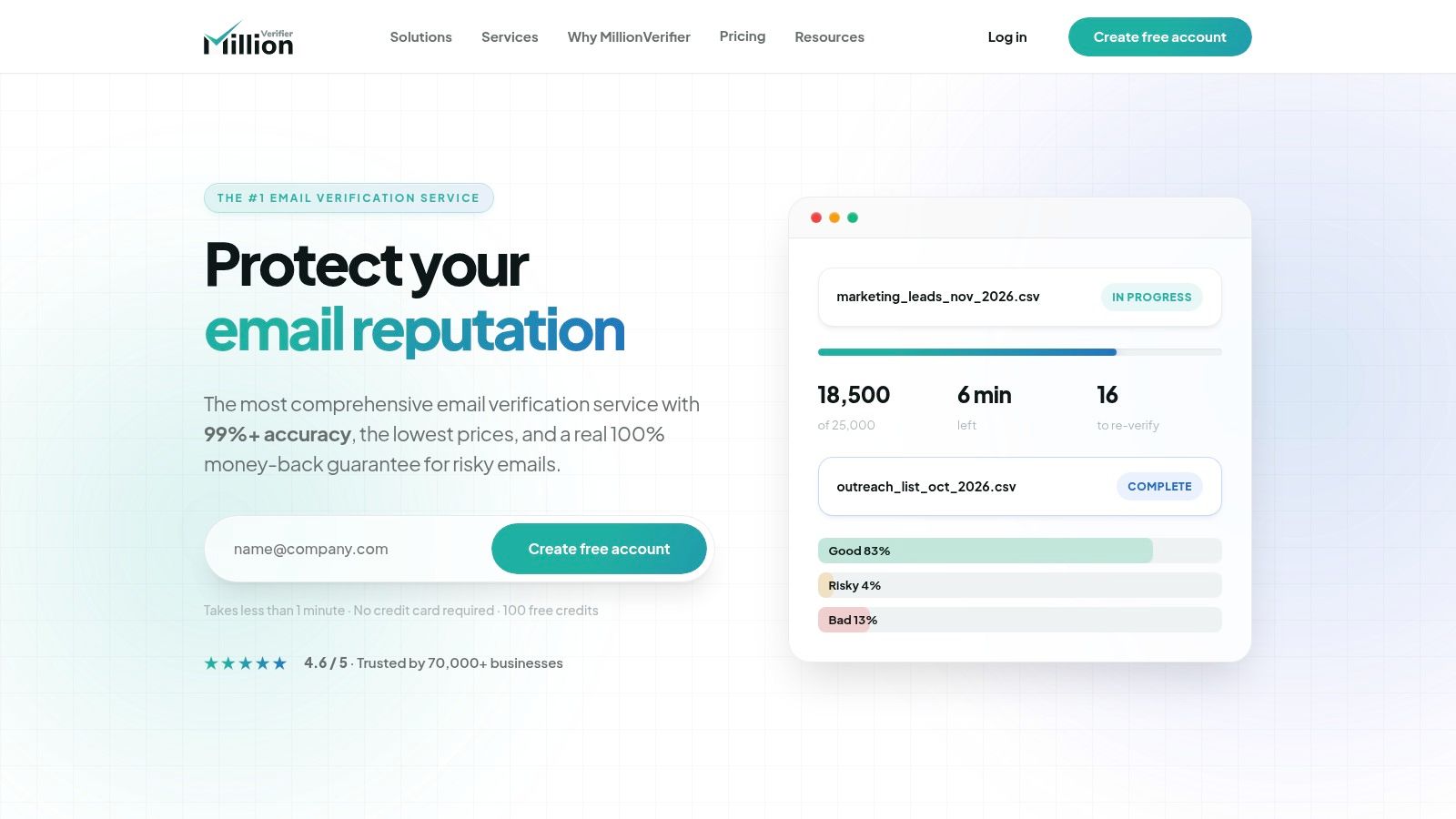
Bulk economics are the main reason to shortlist MillionVerifier. It focuses on bulk verification, volume credit packs, API access, and email-marketing integrations. EverClean adds automated rechecking for a connected marketing list.
The important distinction is between cleaning a snapshot and maintaining a connected audience. A CSV upload answers what your file looks like at that moment. A recurring connected-list workflow needs rules for new contacts, changed verdicts, and existing suppression states.
Evaluate the connected workflow separately
For verification quality, test whether the output distinguishes unusable records from uncertain ones clearly enough for your send policy. A low cost per check doesn't compensate for classifications your team can't safely apply.
For pricing structure, nonexpiring credits suit irregular bulk work. Trial eligibility has conditions, and EverClean is a separate workflow from a one-time upload, so evaluate its commercial terms independently.
For privacy handling, review both file retention and the permissions granted to a connected account. Remove connections you no longer use, and avoid granting broad access without understanding why it's needed.
For integration, test the full return path. Confirm what happens when a contact is already unsubscribed, suppressed, or excluded from an automation.
Connected cleaning should update address-quality information without undoing a recipient's unsubscribe decision.
MillionVerifier is a practical candidate for cost-conscious batch processing. Its limitation is that automated maintenance requires more operational care than purchasing credits and uploading a file.
6. Clearout

A growth team may need to clean campaign lists, validate forms, and find missing contact details. Clearout brings those activities into a broader offering, with bulk verification, real-time checks, catch-all detection, disposable-address detection, and contact-data tools.
That flexibility is useful, but verification and enrichment solve different problems. Finding an address doesn't establish permission to contact it, and adding profile information doesn't make a risky mailbox safe.
- Verification quality: Evaluate catch-all and disposable classifications alongside the final verdict. Don't accept a larger usable-list count as evidence of better verification.
- Privacy handling: Separate the approval for list verification from the approval for enrichment. Review what data each workflow processes and retain only the fields your team needs.
- Pricing structure: Pay-as-you-go and recurring plans provide flexibility. Billing rules vary by product and result, so establish what consumes credits before enabling multiple workflows.
- Platform integration: Real-time API and form verification support acquisition controls. Confirm how your email platform receives quality labels and whether those labels can drive exclusions.
Published billing guidance excludes duplicates and unknown results from verification charges, but that shouldn't be generalized to every advanced offering.
The trade-off is breadth versus simplicity. Clearout can support several growth operations, while a team doing straightforward list cleanup may not need its finding and enrichment capabilities. Build your trial around the workflow you'll use immediately, not the features you might use later.
7. DeBounce
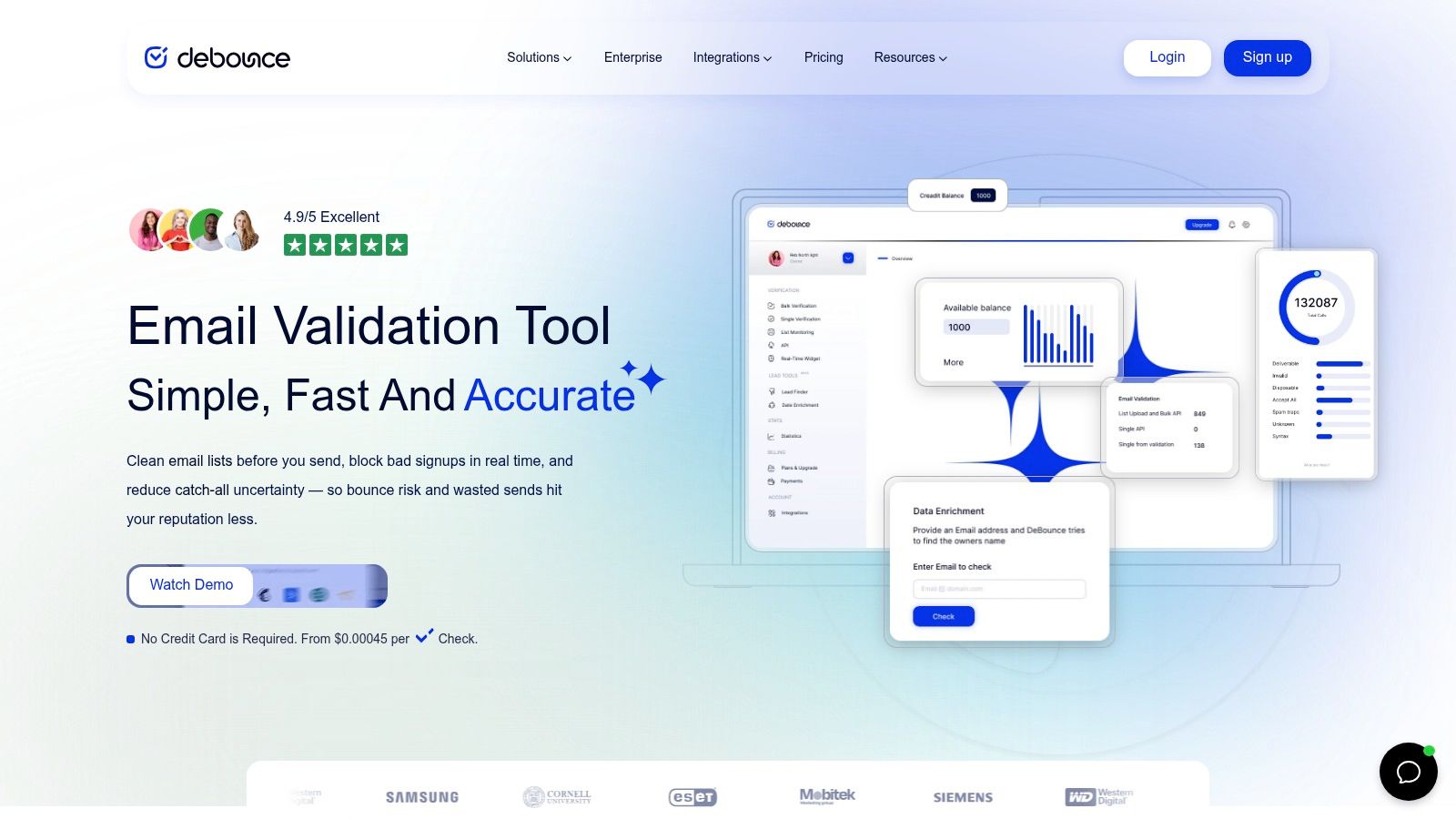
The question for DeBounce isn't just what a standard validation costs. It's which operations your list will require. Bulk verification, API checks, catch-all validation, monitoring, and enrichment don't necessarily consume credits in the same way.
That matters when a business-heavy list contains many catch-all domains. The workflow you need may differ from the inexpensive standard check that first caught your attention.
Calculate the job, not the headline rate
Verification quality: Treat catch-all validation as a distinct evaluation. Inspect the classifications and explanations, then decide how uncertain business contacts should enter a restricted segment rather than your main campaign.
Pricing structure: Pay-as-you-go purchasing doesn't require a monthly payment, and credits don't expire. However, specialized checks and enrichment have different credit rules, so estimate consumption using your actual mix of tasks.
For privacy handling, review retention and deletion for uploaded lists and any enriched outputs. Keep a minimal matching identifier in your working file instead of transferring unnecessary customer attributes.
For integration, API access supports custom validation workflows. List monitoring also needs a clear owner and a defined response when an address changes status.
The advantage is flexible purchasing with additional capabilities available when needed. The limitation is billing complexity across those capabilities. DeBounce deserves a trial if you can define the job precisely, but it's harder to budget accurately when your team enables optional checks without tracking their consumption.
8. Verifalia
Verifalia gives buyers an explicit choice between standard, high, and extreme verification levels. That's useful when you want control over verification depth rather than a single fixed processing approach.
The trade-off is processing time and credit consumption. A deeper setting may be appropriate for a valuable, uncertain segment, but applying it indiscriminately can increase the cost of checking addresses that don't warrant extra effort.
- Verification quality: Test quality levels against the same controlled sample. Look for meaningful differences in actionable classifications, not merely a different label on the processing job.
- Privacy handling: Granular retention and classification settings are useful controls. Configure them before uploading, and make sure your internal handling of downloaded results matches your retention policy.
- Pricing structure: Purchased credit packs don't expire, but higher verification levels consume more credits per address. Use the pricing calculator for your intended settings rather than assuming every address costs the same.
- Platform integration: Bulk processing, API access, and a JavaScript widget support both campaign cleanup and signup validation. Confirm your native-platform requirements separately.
More intensive verification is a spending decision, not permission to mail every address that survives it.
Verifalia's main strength is control. Its limitation is that control creates configuration work: someone must decide which level to use, how long to wait, and what to do with unresolved results.
It suits teams willing to manage those choices. A marketer who wants a simple upload-and-export process may prefer fewer settings.
9. NeverBounce
Developers evaluating an email list service should look beyond a file-upload screen. NeverBounce supports bulk verification, a REST API, a JavaScript signup widget, downloadable results, and job callbacks.
The API can submit lists and retrieve results, while the widget can reject invalid or disposable addresses. That supports both marketing operations and product teams, provided they agree on what each result should trigger.
Build around completed jobs
Verification quality depends partly on consuming the final results correctly. Bulk jobs may take time, so your application shouldn't treat a successful submission as a completed verification.
For integration, callbacks can help connect completion to the next processing step. Preserve contact identifiers, handle retries safely, and prevent repeated callbacks from triggering duplicate imports or campaign enrollment.
- Privacy handling: Review uploaded-file retention, API processing terms, and access to downloadable results. Include temporary files created by your own integration in the deletion process.
- Pricing structure: Confirm current credit pricing, expiration rules, and treatment of uncertain results directly before purchasing. Don't build a budget around older comparison pages.
NeverBounce's strength is its support for batch and real-time implementation patterns. Its limitation is that a reliable automated workflow still requires engineering decisions around status handling and result application.
For campaign teams planning that handoff, our bulk email list cleaning guide explains how to approach cleanup without treating every ambiguous record as a confirmed invalid address.
10. Kickbox
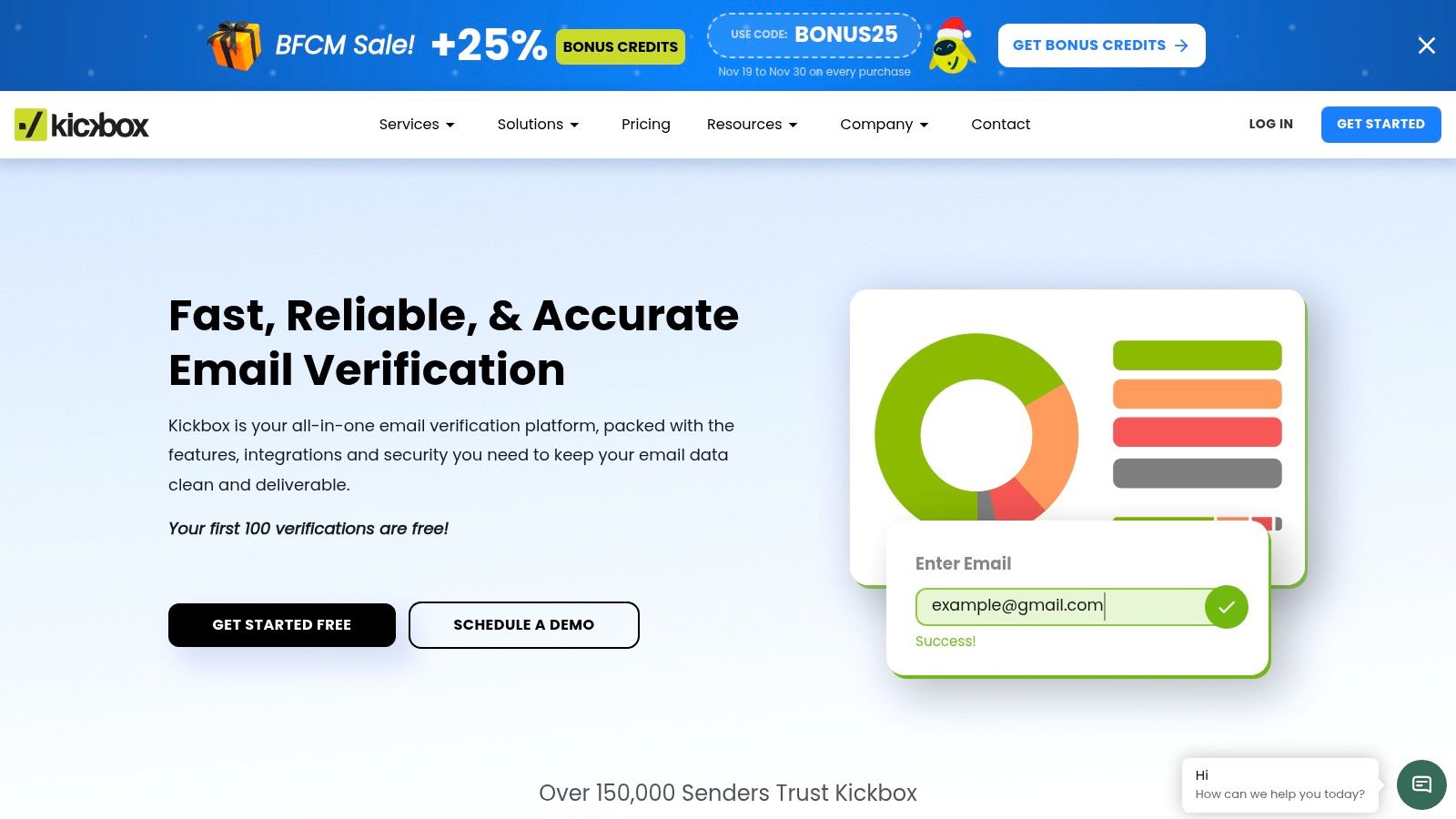
A risky category is useful only when your team has a policy for it. Kickbox distinguishes deliverable, undeliverable, and risky addresses, with Sendex scoring to support record assessment. It offers uploaded-list verification and real-time API checks.
That makes it suitable for teams that want more nuance than a valid-or-invalid flag. The limitation is that nuanced results don't remove the need for judgement, particularly with business addresses and older subscribers.
- Verification quality: Evaluate category explanations alongside Sendex scores. A score should support your decision, not conceal the reason an address needs caution.
- Privacy handling: Review retention, deletion, processing terms, and verification behavior before uploading. Keep the trial file limited to data you're authorized to process.
- Pricing structure: Pay-as-you-go purchasing supports pre-send cleanup. Confirm current pack terms and treatment of unresolved results before estimating the cost of recurring use.
- Platform integration: The API supports point-of-entry checks. Confirm whether your marketing platform has a suitable native connection or needs an API-driven handoff.
A useful trial should include records you expect to reject, records you expect to keep, and legitimate addresses that may be ambiguous. Then inspect how easily a marketer can explain the resulting decision.
Best fit: teams comfortable using risk categories in segmentation. Main limitation: neither a deliverable classification nor a high score establishes consent, engagement, or guaranteed inbox placement.
Email list services compared
These price points are useful for narrowing a shortlist, but compare the billing model as well as the headline rate. Credits, monthly allowances, volume tiers, and verification options can make two starting prices difficult to compare directly. The table pairs each service with its listed price, free allowance, pay-as-you-go availability, and typical fit.
| Service | Starting price | Free credits | Pay-as-you-go available | Best for |
|---|---|---|---|---|
| CleanMyList | From $6 | 50 | Yes; credits do not expire | Marketers and teams cleaning lists without a subscription |
| ZeroBounce | $39 for 2,000 checks | 100 monthly | Yes | Teams wanting verification plus deliverability monitoring |
| Bouncer | $8 for 1,000 verifications | 100 | Yes; credits do not expire | Occasional list cleaning and signup-form verification |
| Emailable | $38 for 5,000 credits | 250 | Yes | Teams verifying existing lists and new signups |
| MillionVerifier | $89 for 50,000 credits | Trial credits; eligibility conditions apply | Yes | Larger batches and cost-focused bulk verification |
| Clearout | $40 for 5,000 credits | Not specified | Yes | Teams needing bulk and real-time verification |
| DeBounce | From $0.00045 per check, depending on volume | 100 | Yes; credits do not expire | Users wanting flexible validation and optional monitoring |
| Verifalia | Pricing varies by options | 25 checks per day | Credit packs available; exact pricing varies | Users needing selectable verification depth and daily free checks |
| NeverBounce | Pricing varies by volume | Not specified | Yes | Marketing teams and developers needing batch and API workflows |
| Kickbox | Pricing varies by volume | 100 | Yes; confirm current credit-pack terms | Teams wanting bulk and real-time checks with risk scoring |
Treat “not specified” as a detail to confirm before comparing trial value. For each candidate, check what results its verification returns, how it handles uploaded data, whether its pricing fits your expected volume, and whether it connects to your email platform. A low per-check rate is useful only if the workflow and result categories suit how your team sends.
How to Choose and Put Your Email List Service to Work
Choose around your sending cadence and operational capacity, not the longest feature list. Pay-as-you-go credits suit occasional launches, migrations, and event imports. Subscriptions or connected-list maintenance can fit continuous acquisition, provided someone owns the recurring review and the billing rules match actual usage.
List hygiene isn't a substitute for sender configuration. The Validity deliverability benchmark report describes Gmail and Yahoo bulk-sender requirements covering authentication, one-click unsubscribe, and spam complaints below 0.3%. Verification addresses bad recipient data; authentication, consent, and complaint monitoring address different risks.
Approve the workflow before the upload
Review encryption, retention, deletion, processing terms, and whether verification sends messages. For our service, we encrypt lists, never sell or share them, and stop verification before sending any message. Our security overview and GDPR addendum are available by email.
Confirm the exact native integration your team needs, including its write-back behavior. Importing contacts is only part of the job: the connector must preserve unsubscribe states, apply useful tags, and keep rejected addresses out of future sends. If you're also reviewing the sending platform itself, HeyNews' internal newsletter tool checklist offers a separate framework for evaluating newsletter operations.
Run a controlled first cleanup
- Test a small batch: Include recent signups, older subscribers, business domains, and known invalid records. Keep your original dataset unchanged.
- Review result labels: Decide which outcomes mean keep, quarantine, suppress, or reconfirm. Don't turn every unknown result into a permanent deletion.
- Validate the return path: Export or sync results into a test segment. Confirm that existing exclusions and unsubscribe states remain intact.
- Clean the full eligible list: Apply the approved policy and retain a dated record of your decisions.
- Add signup validation: Catch typos and disposable addresses at acquisition, with a correction path for legitimate users.
- Schedule rechecks: Revisit dormant and imported segments before sending, rather than assuming an old verdict remains current.
A SafetyMails list-quality report found 11.7% of sampled addresses were invalid. Your own list may differ, which is why a representative trial is more useful than applying an industry percentage to your database.
Judge success through hard bounces, complaints, delivered-message engagement, and revenue, not the size of the cleaned export. The goal is a safer sending audience, not the largest possible file.
CleanMyList offers bulk verification with plain-English verdicts, nonexpiring pay-as-you-go credits, and integrations that return cleaned results to your email platform. Visit CleanMyList to test a sample of your list, review the recommendations, and add signup validation before your next campaign.